
Why black looks weak even when the artwork is right
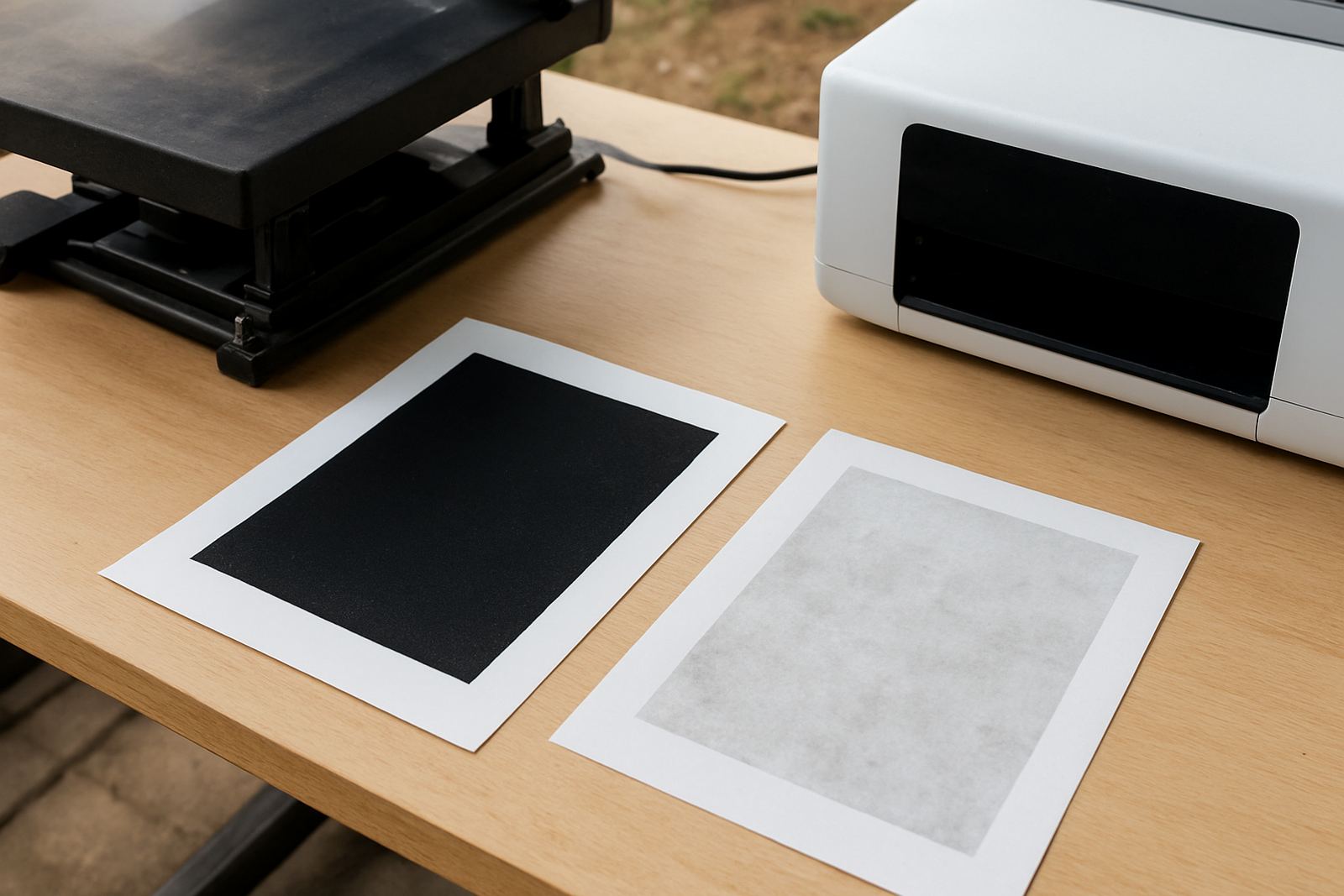
Many print shops blame the file when the real issue is the print system around it. On sublimation work, black output can look grey, brownish or patchy when the ink refill is inconsistent, the media carries moisture, or the heat setting is not matched to the substrate. A good black needs density, even transfer and enough curing time for the image to open up cleanly under heat.
In Johannesburg, especially during winter mornings, workshops often deal with cool air and damp paper stock. If your media has been sitting near an open roller door in Kya Sand or Randburg, the extra moisture can change how the ink transfers. That is why black output should be treated as a process issue, not just a colour issue.
Refill quality starts with consistency, not just colour
Black ink must behave the same from one bottle to the next. If the refill varies in particle size, flow or concentration, the printer can start laying down an uneven layer and the result will show first in black areas. That is common on garments, signage panels and screen print related transfer work where solid blocks of dark tone need to hold together under heat.
For trade customers, the best way to protect output is to work with a refill routine and keep the ink path clean. A quick colour test on every new batch can save a full run later. If a printer has been standing over a long weekend or through load-shedding, always check the nozzle pattern before pushing into production.
- Shake and settle bottles as directed before filling
- Keep caps and funnels clean between colours
- Do a short nozzle check after every refill
- Run a small test strip before full production
Media handling can make black look flatter than it should
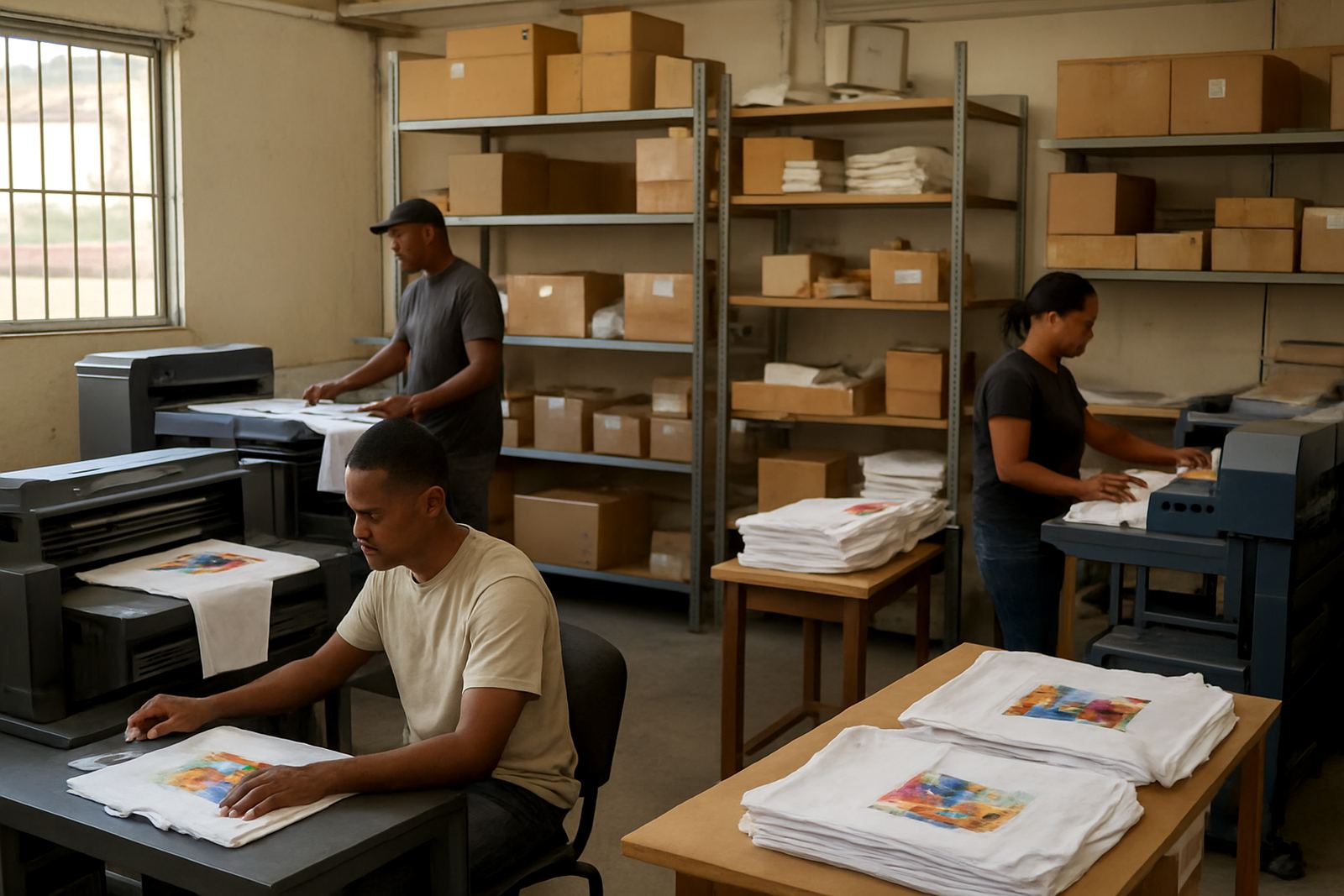
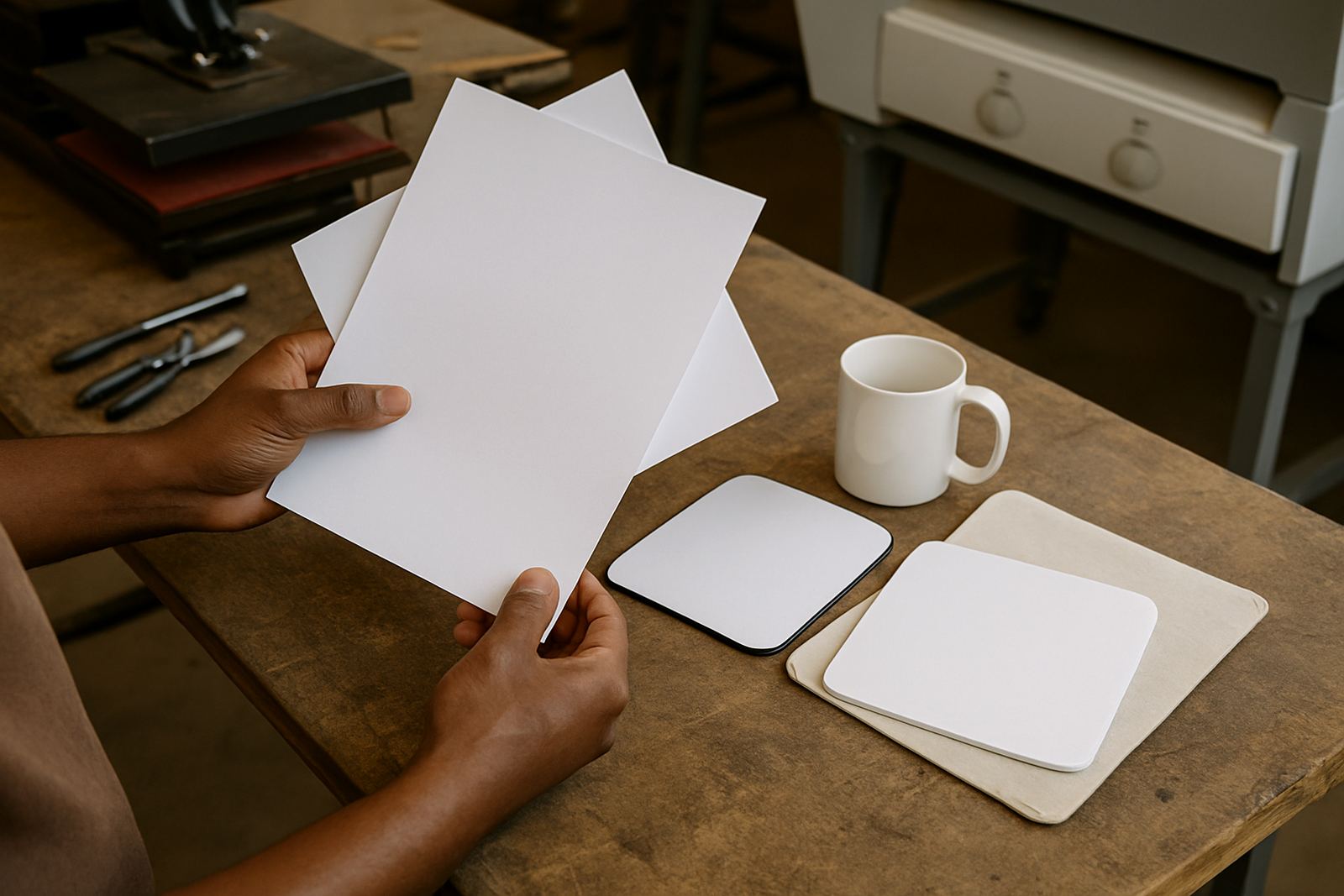
Paper and transfer media do not all accept ink the same way. Some stock absorbs too fast, while other stock holds the ink near the surface and gives a richer finish after pressing. If the media is curled, damp or stored in a dusty corner, the black layer can transfer unevenly and lose depth. That is one reason a shop doing both garments and screen printing support needs proper stock control.
In practical terms, keep media sealed, flat and away from heat sources. In coastal areas humidity can creep into the stock room within a day or two, while in Gauteng dust and temperature swings can affect the surface. If your black output is changing from one batch to the next, the paper may be the first place to look.
- Store paper in its original wrap until needed
- Avoid leaving sheets near windows or fans
- Test one sheet after a room temperature change
- Match the media to the printer and transfer process
Heat control is where good black becomes proper black
Heat can sharpen a transfer or ruin it. Too little heat leaves the black looking soft and underdeveloped. Too much heat can flatten the image or shift the tone, especially on lighter garments and coated blanks. The right setting depends on the substrate, press pressure and dwell time, not just one number on the machine.
Technical teams often find that black output improves once the workshop standardises temperature checks and press timing. A press that runs well in the morning may drift by the afternoon if the room gets hotter or the machine has been cycling all day. If you are working through multiple jobs in Midrand or Pretoria, check settings between runs instead of assuming the last job is still the right one.
It also helps to keep a written reference for your most used blanks. That gives the operator a quicker starting point and reduces guesswork when orders come in late. One extra minute on setup is usually cheaper than reprinting ten items.
A Kya Sand example: when a black batch starts coming out grey
A small trade printer in Kya Sand may notice the first few dark transfers looking flat after a refill. The instinct is to blame the artwork, but a better approach is to test the full chain. Check the refill bottle, confirm the nozzle pattern, inspect the paper for moisture and compare the press settings with the last successful run. In many cases the issue is a combination of minor factors rather than one major fault.
That same printer can often recover the job without a restart if the next steps are handled in order. Clean the line, run a fresh test strip and press one sample on the intended material. If the black deepens after that, the problem was likely in the refill or media storage. If it does not, the heat profile needs attention.
What to watch before you run a big order
Bulk orders are where black output problems become expensive. The print may look acceptable on a sample, then drift once the workshop moves into quantity. To keep things steady, build a short pre-run routine into the day and use the same checks every time. This helps whether the job is for a single shop in Sandton or a courier run going nationwide.
- Confirm ink compatibility with the printer model
- Test a short line for density and edge sharpness
- Check press temperature and dwell time against the last approved sample
- Inspect the media for curl, dust or moisture
- Keep a note of what worked for the next repeat order
When those basics are in place, black output tends to stay stronger and more predictable. That matters for garment decoration, screen printing support work and any trade customer that needs repeatable results across different jobs and shifts.