
Why transfer paper changes the final print
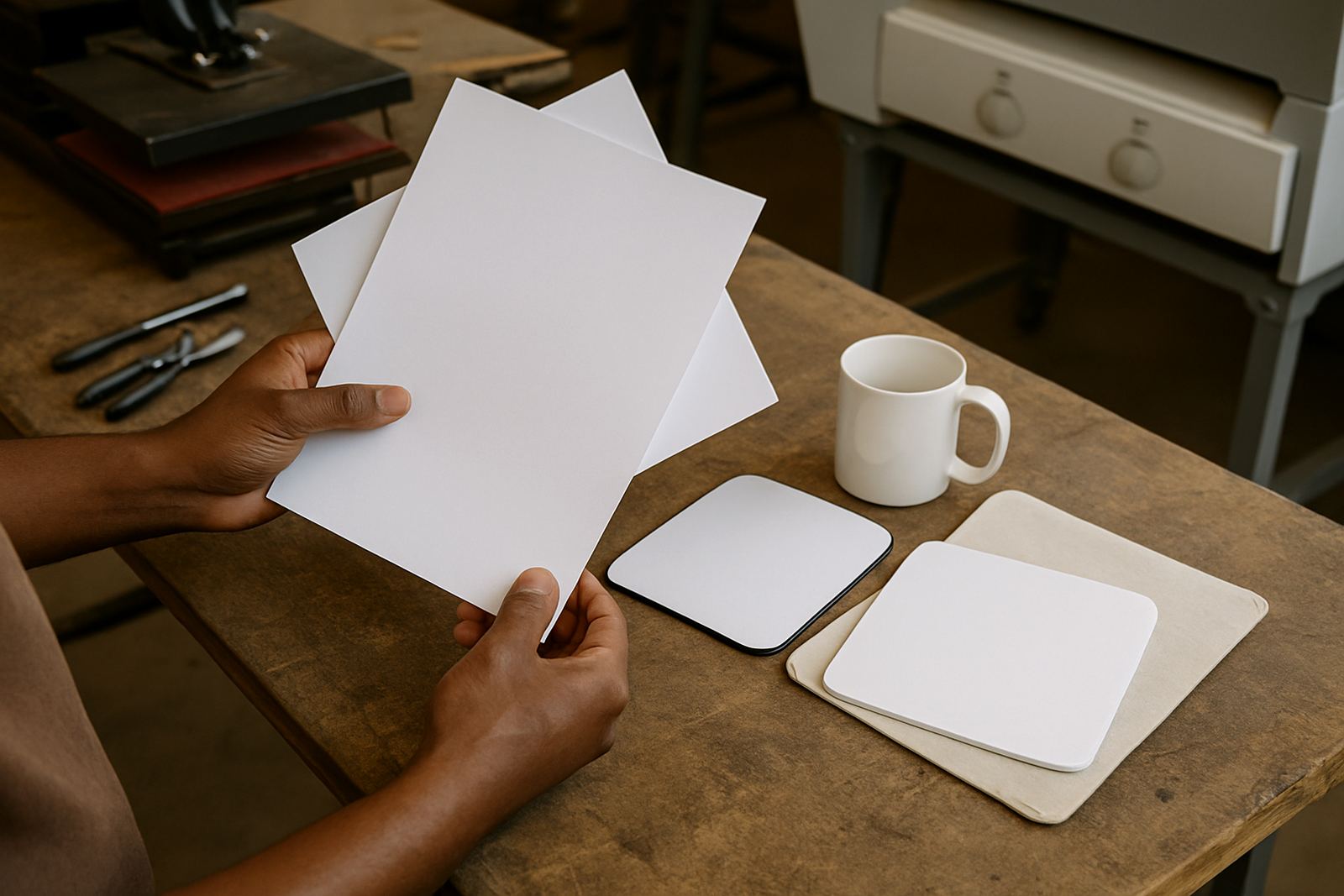
Transfer paper is more than a carrier sheet. It controls how much ink is held on the surface, how evenly that ink moves during pressing and how fully the colour comes away under heat and pressure. If the paper releases too slowly, your print can look dull or patchy. If it releases too fast, you may see blurred edges or a softer image than expected.
In garment decoration and related printing work, the paper needs to suit the ink, the substrate and the press settings. A shop in Kya Sand that is doing short runs on T-shirts will often want a different paper feel from a printer handling larger production batches for sportswear, flags or promotional items. The same press temperature can behave differently depending on the paper coating and the humidity in the room. On a damp winter morning in Johannesburg, that difference can matter more than people expect.
Release, sharpness and colour are linked
People often ask whether the paper should be chosen for colour or for release. In practice, the three are tied together. A sheet that releases well but loses detail can make artwork look soft at the edges. A sheet that gives excellent sharpness but holds too much ink may leave the colour looking flat.
When comparing options, look at these points:
- How cleanly the ink transfers at your normal press temperature and dwell time
- Whether fine text, thin lines and small logos stay readable
- How the colour looks after pressing and cooling, not only on the sheet before transfer
- Whether the paper handles full blocks of colour without mottling
- How consistent the result is across multiple sheets in one job
These checks are useful for both desktop users and wider-format printers. If your workflow includes garment decoration, the paper must give a neat release without forcing you to overpress and risk dulling the image. That is where testing a few sheets before a full run can save you from reprints.
Choosing paper for different South African printing setups
South African print rooms are not all the same. Some work from a small back room in Randburg or Roodepoort with one heat press and a compact printer. Others run larger jobs from Midrand or the East Rand with more pressure on stock control and turnaround. Transfer paper choice should fit the way you work, not the other way round.
For smaller shops, a paper with forgiving release can help when jobs vary through the day and operators rotate between tasks. For busy production floors, consistency matters more than anything else. If the paper changes from box to box, your colour shifts too, and that creates trouble when a client comes back for a repeat order. A steady supply plan is just as important as the paper itself.
- Match paper size to your printer width so you are not trimming more than needed
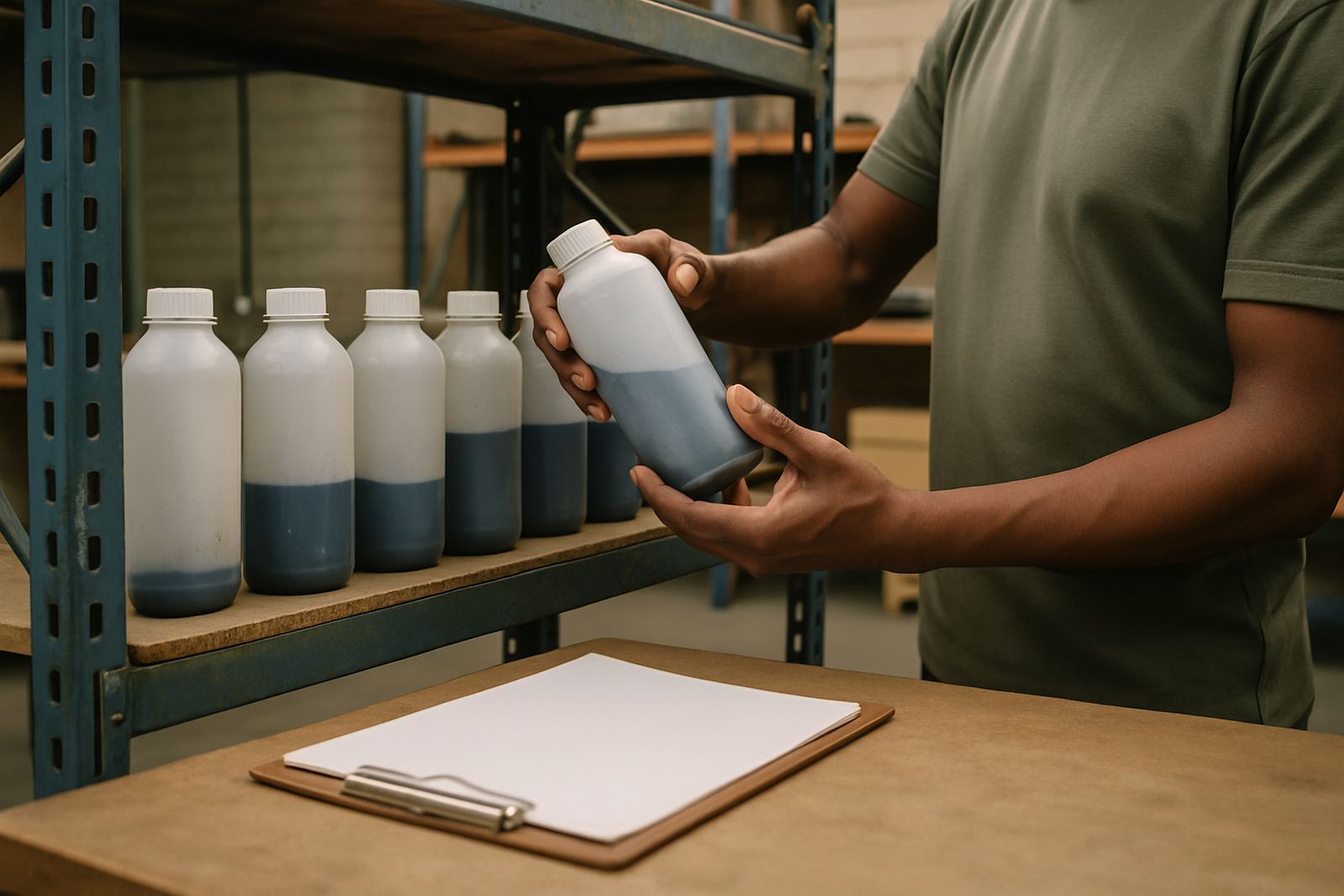
- Keep unopened packs in a dry area, away from floor moisture and direct sun
- Rotate stock so older packs are used first
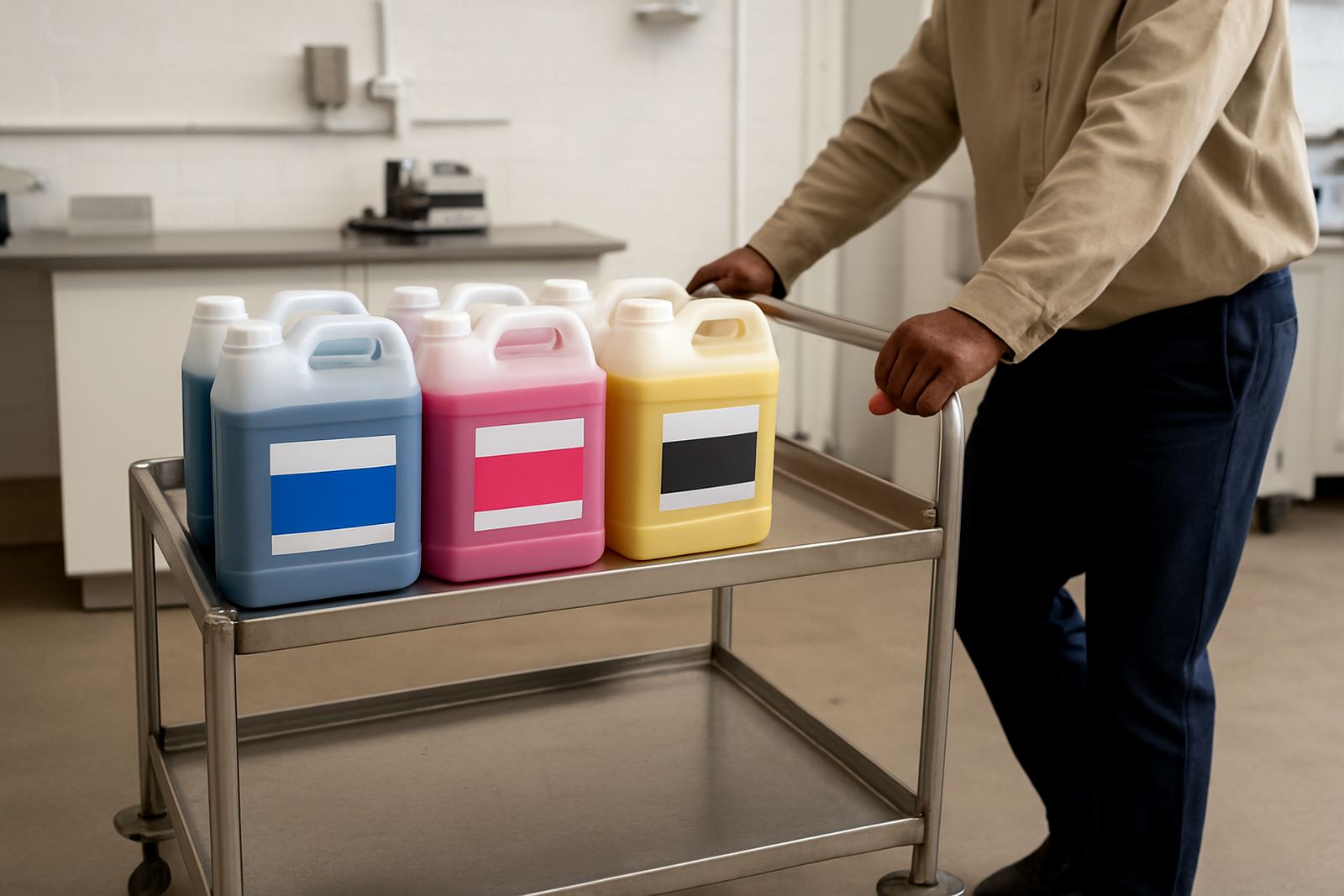
- Allow paper and inks to acclimatise after delivery if the weather is very cold or damp
For businesses near Pretoria, Sandton or beyond, couriered stock needs to arrive in good condition and then be stored properly. A few bent corners or moisture exposure can affect feed and print quality, so handling matters as much as the paper grade.
What happens when paper and ink are out of sync
If the paper is not suited to the ink, the symptoms usually show up quickly. You may see ghosting, weak edges, a colour shift after pressing or residue left behind on the sheet. Some users blame the printer first, but the issue is often the combination of paper coating, ink load and press settings.
Common signs to watch for include:
- Colour that looks strong before pressing but weak on the finished item
- Ink bleeding into nearby areas on fine artwork
- Uneven release where one side of the print transfers better than the other
- Paper curling after heat, which can affect positioning on the next item
- Dusting or coating breakdown that shows up during repeated runs
A good compatibility check can save hours. If you are printing for a client in Pretoria and the job has a specific shade or logo size, test the paper on the same garment type and press settings you will use for the full order. That small step gives you a far better read on release and final appearance.
A practical press room routine for steadier results
Good paper choice is only part of the job. Your routine matters too. In a warm room, paper can take on moisture from the air. In a cooler workshop, it may feed differently through the printer. Keep your packs sealed until needed and store them flat. If a sheet feels curled, do not assume the printer is at fault.
A simple routine helps keep results steady:
- Check the paper type before each job and confirm it matches the ink and garment
- Run a small sample for new artwork or new substrates
- Keep press settings written down for repeat work
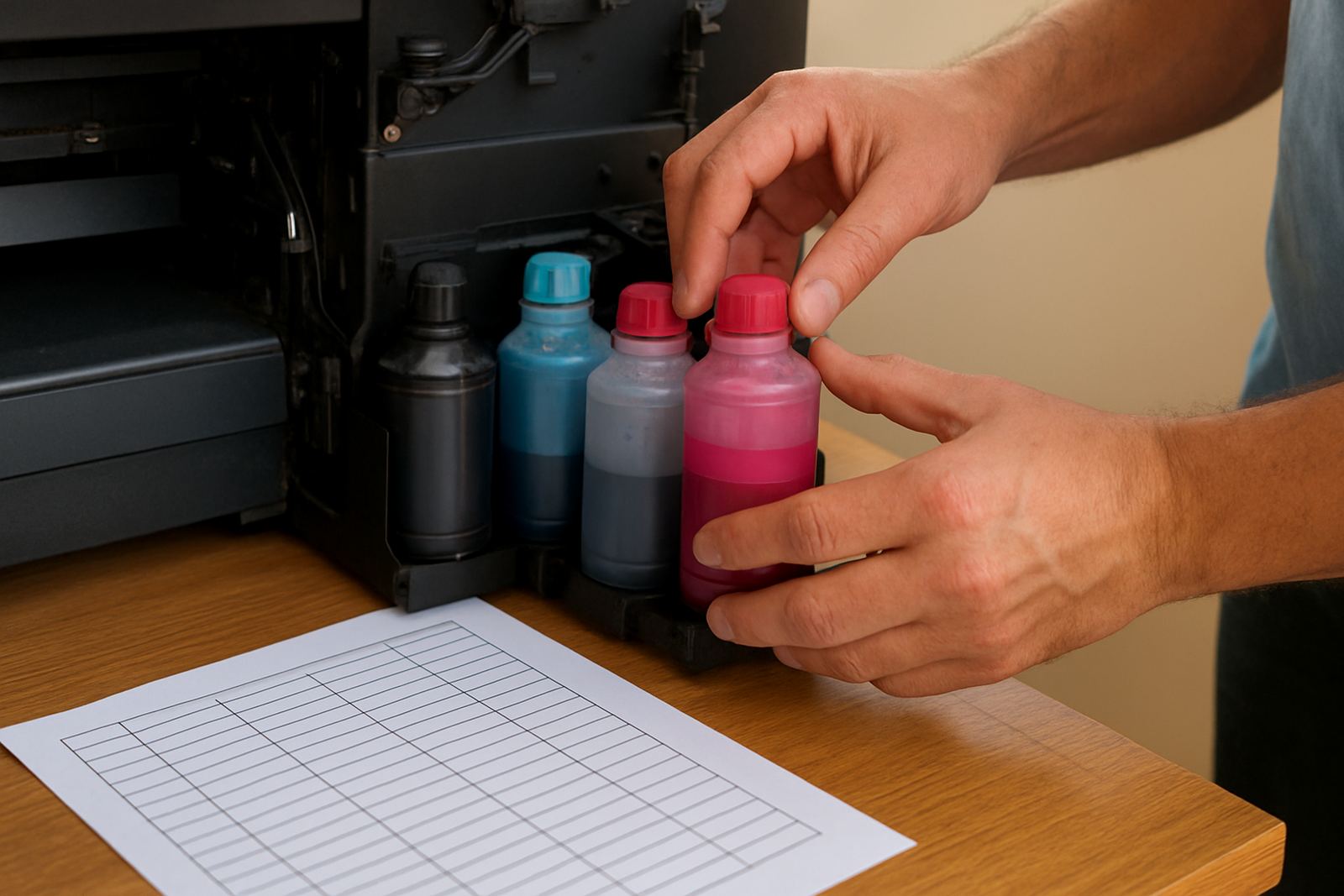
- Clean the printer lines and nozzles on a regular schedule
- Review finished samples under good light before dispatch
For trade customers, this sort of discipline reduces waste and helps planning. It also makes it easier to judge whether an issue is coming from the paper, the ink, the press or the way the item was handled after printing.
Why local support helps when stock and deadlines are tight
When a shop is preparing for a market, a school order or a rush job for a client in Johannesburg, there is little room for uncertainty. Paper needs to be available, compatible and suitable for the work in hand. Local support matters because it helps you choose the right paper before the job starts rather than after you have already lost time and stock.
At our Kya Sand base, we work with printers who need practical answers: which paper to use, how it should release, and how to keep colour consistent across repeat orders. That advice is especially useful for businesses handling both desktop and wide-format work, where one paper choice does not fit every machine. If you are planning stock for next-day courier nationwide, it also helps to know exactly what you are ordering and why.
Transfer paper is not a small detail. It can change the look, feel and reliability of the whole print job. Choose it carefully, test it properly and keep your setup consistent. The results are usually better, and the rework count tends to drop, which saves money in the end.