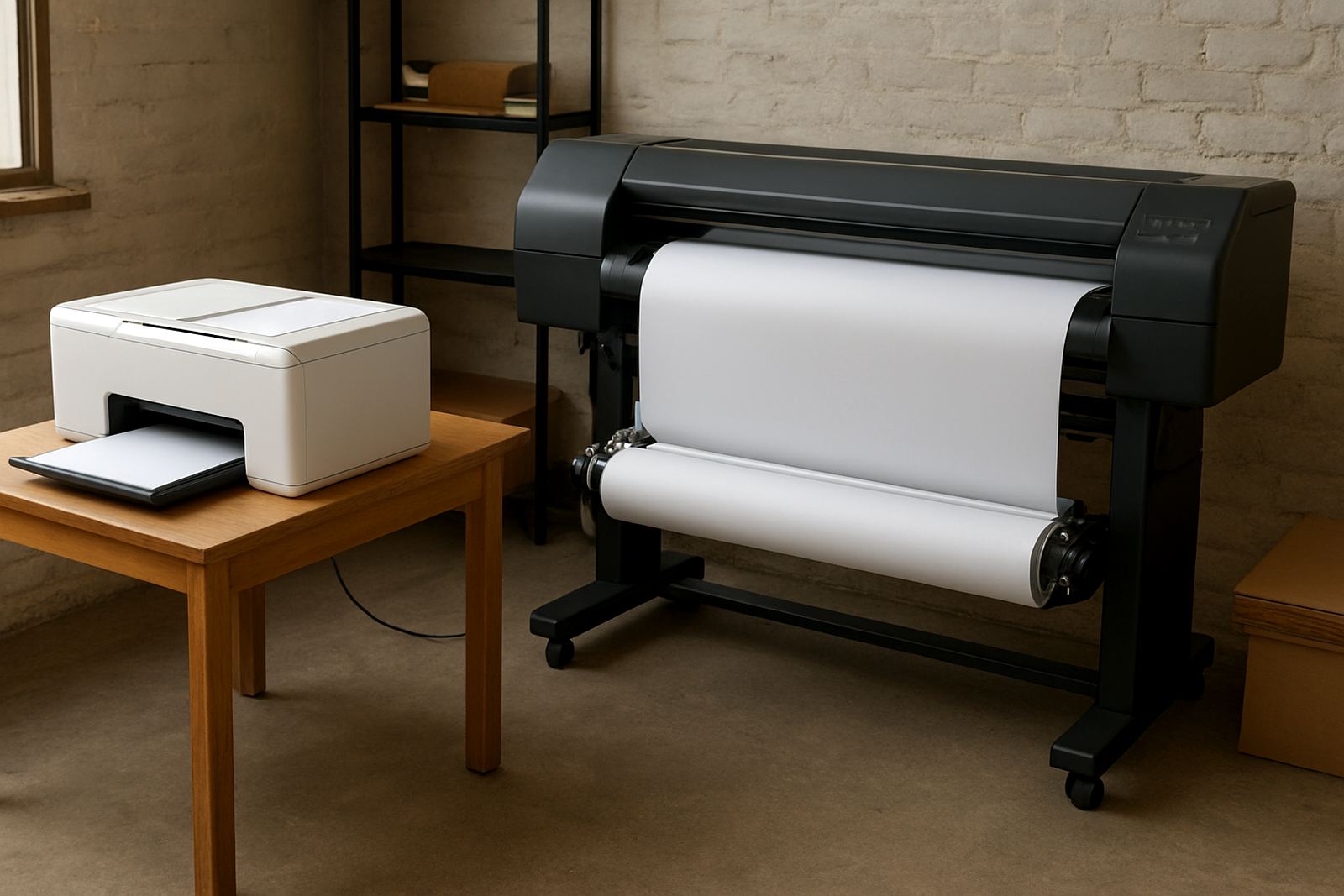

Start With a 5 Minute Morning Walkaround
A daily routine works best when it is short enough to repeat without fail. Before the first job goes in, walk around the printer and look for anything unusual such as pooling ink, loose tubing, blocked vents, warning lights or a carriage that is not parking properly. If the machine was switched off for the night, check that it is powered up cleanly and that the UPS or backup supply is working if your area has load-shedding or power dips.
In Kya Sand and nearby industrial areas, dust builds up quickly, especially on open benches and around intake fans. A quick wipe down with a dry lint free cloth can stop grime from entering the system. It also helps to keep the floor clear around the printer so operators can spot drips and offcuts before they become a problem.
- Check for visible ink leaks around bottles, cartridges and lines.
- Confirm power, airflow and status lights are normal.
- Remove dust from the printer exterior and surrounding work area.
- Make sure the machine is sitting level and nothing has shifted overnight.
Confirm Ink Levels And Bottle Position Before The First Run
Many print problems begin when a tank runs lower than expected or a bottle is not seated correctly. A daily level check should be part of the opening routine, especially if you are running several shifts or handling garment decoration orders with tight turnaround times. Do not wait until a colour drops out completely. By that stage you are already dealing with inconsistent output and extra cleaning time.
For wide-format users, a small level change can matter more than people think. A line that starts pulling air may still print for a while, but colour shifts and banding can show up later in the day. That is why stock planning matters too. If a colour is running low and courier delivery is needed from Johannesburg to Pretoria, Roodepoort or further afield, it is better to order early than to stop production halfway through a batch.
- Check each colour level, not only the colour you use most.
- Look for air bubbles in lines or tubes.
- Make sure caps, seals and lids are closed properly.
- Keep a small reserve for busy weeks and long weekend trading periods.
Print A Small Test Strip And Read It Properly
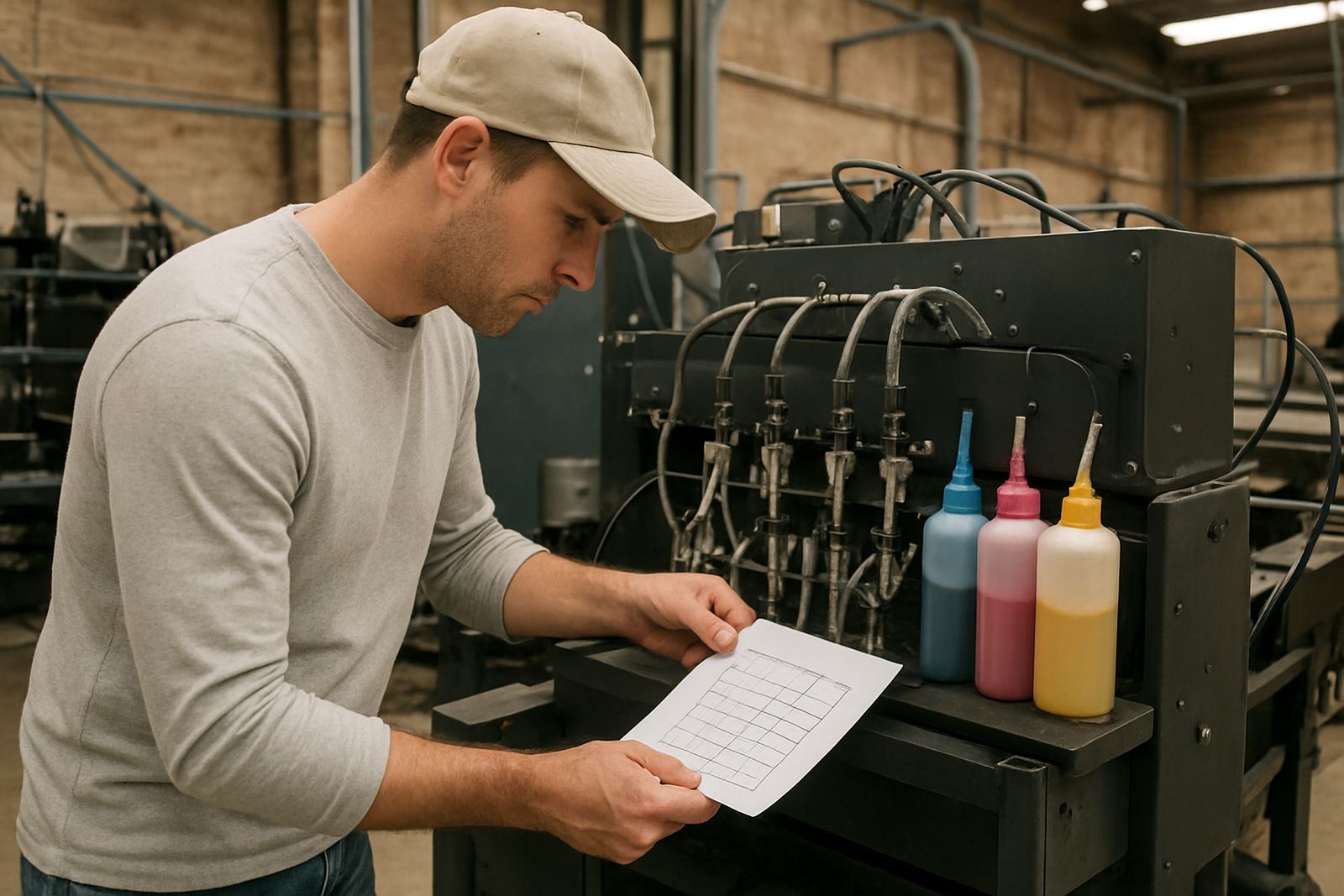
A test strip is one of the simplest ways to catch trouble early. It shows missing nozzles, weak colour, banding and alignment issues before you commit to a full run. A good test should not be treated as a formality. Look closely at each colour block and compare it to what you normally see on a healthy machine.
If the test reveals faint lines or a missing colour, clean the head only as far as needed and then test again. Repeating unnecessary cleaning cycles wastes ink and can slow production. On a busy morning, that matters. One missed check in Sandton or Midrand can throw off an entire delivery schedule, especially when customers expect same day prep and next day courier on finished stock.
- Run a short nozzle check before production starts.
- Check for faded sections, missing lines and colour shifts.
- Do not ignore slight banding just because the first sample looks acceptable.
- Record repeat issues so you can spot a pattern over time.
Watch Temperature, Humidity And Room Conditions
South African workspaces are not all the same. A print room in Johannesburg can be cool and dry in winter, while a coastal job can deal with moisture that affects drying times and colour stability. Even in the inland areas around Gauteng, open roller doors, rain and dust changes can affect consistency. Daily checks should include the room itself, not only the printer.
Keep an eye on temperature and humidity because both affect ink behaviour. If the room is too cold, drying slows down and the media may take longer to settle. If the room is too warm, some operators see faster evaporation at the nozzle plate. A simple thermometer and humidity reading can help you explain why a job looked perfect one day and slightly different the next. It saves arguments and it helps with repeat orders.
- Keep the printer away from direct sun, open doors and fans blowing onto the machine.
- Allow media to acclimatise before use if it came from a hot delivery vehicle.
- Store spare ink and media in a clean dry area.
- Check whether moisture or dust is affecting the room before blaming the ink.
Use Line Cleaning Habits That Fit Your Volume
Every shop has different usage patterns. A small operation may run one or two jobs a day, while a larger team turns equipment over constantly. Daily line checks should match that volume. If a printer sits idle overnight, a light cleaning routine in the morning may be enough. If the machine works through long shifts, the team needs a stricter schedule so ink does not settle and lines do not slow down.
Good line care is not complicated. It means watching for air, checking that the delivery path is clear and making sure cleaning does not become excessive. Over cleaning can be just as wasteful as under cleaning. The best routine is the one that keeps output steady without draining ink or time. This is especially important for trade customers handling bulk orders, startup runs or regular repeat work where consistency matters from the first piece to the last.
- Check for uneven flow at the start of each shift.
- Clean only when the test result calls for it.
- Keep a note of how often each machine needs attention.
- Watch for changes after long idle periods, public holidays or power interruptions.
Log Faults So Small Problems Do Not Become Big Ones
A simple logbook can save a great deal of time. Write down date, machine, colour issue, cleaning done and whether the test improved. That record helps your team spot repeated faults before they become full stoppages. It also helps when more than one operator uses the same equipment and someone needs to know what happened on the previous shift.
In a place like Kya Sand, where production can move fast and courier collections happen daily, this habit keeps the whole floor calmer. A note that says yellow showed faint lines after a power dip is useful. So is a note that a specific line needed refilling after a busy run. Over time, the record shows which machines need more attention, which inks are behaving well and when a service call or deeper check is actually needed.
For many print shops, that routine is the difference between a normal day and a scramble to recover after lunch. It also helps smaller teams work like larger ones, even when one person is covering sales, another is packing, and the press is already waiting for the next job.