
Start with the kind of work you actually ship
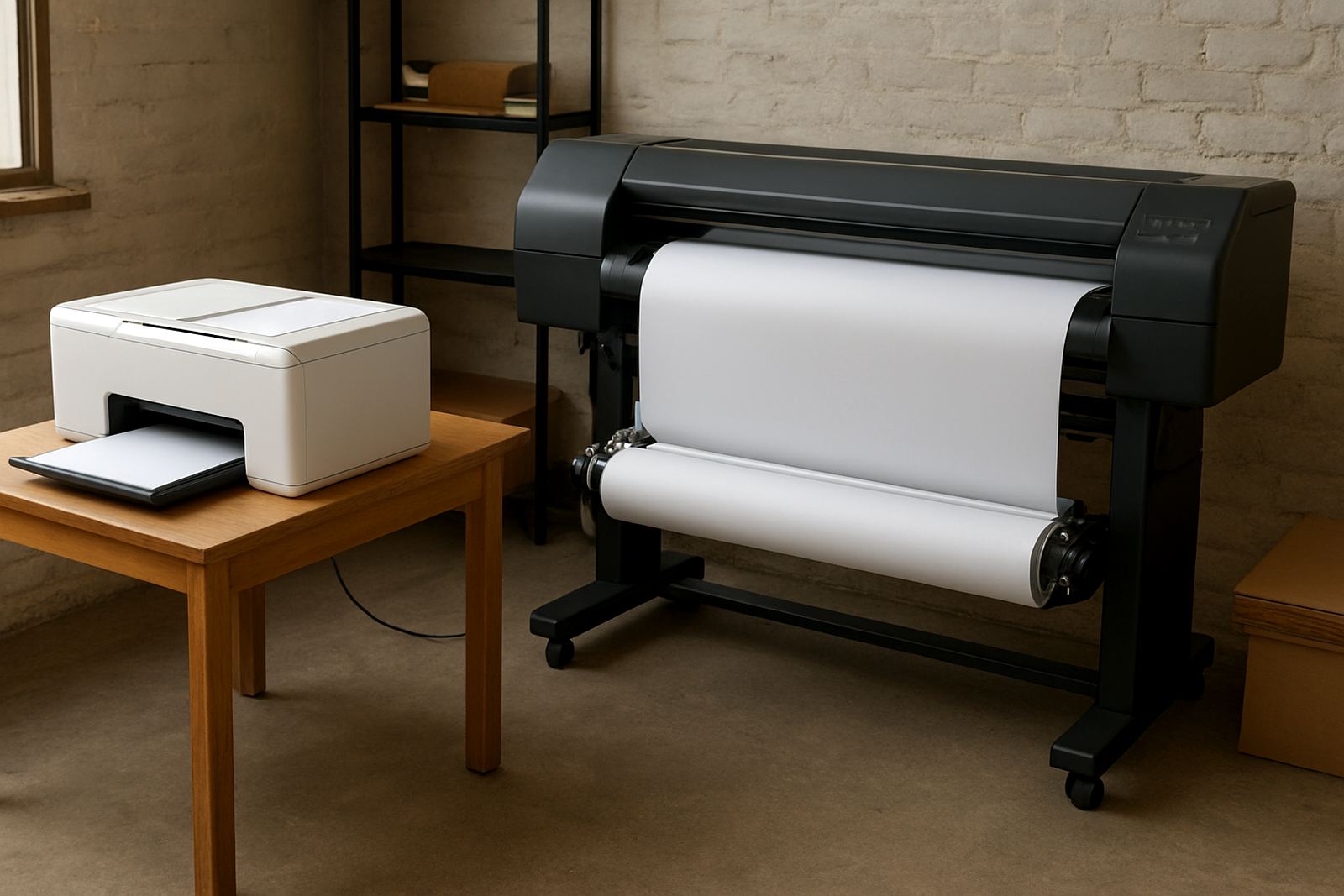
In South Africa, the better setup is usually the one that matches your daily order pattern, not the one that sounds bigger on paper. A desktop sublimation printer is often the better fit for start-ups, small clothing labels, schoolwear decorators and businesses that need to run short batches with tight colour control. Wide-format printers are better when you are moving larger sheets, longer runs or more varied production in one shift.
If you are producing a few samples, a handful of T-shirts, mugs, labels or test transfers each week, desktop printing keeps overheads manageable. If you are filling multiple orders a day for garment decoration, promotional items or screen print transfer work, wide-format output can save time and reduce stop-start handling.
- Desktop suits low to medium volume work
- Wide-format suits larger batches and broader sheet sizes
- Your average order size matters more than machine size alone
Desktop setups for tighter control and smaller runs
Desktop machines are common in home studios, small shops and new businesses trading in places like Kya Sand, Randburg and Roodepoort. They are easier to place, easier to maintain and usually simpler for one person to run while handling customer quotes, packing and collections. For many traders, that flexibility matters more than sheer speed.
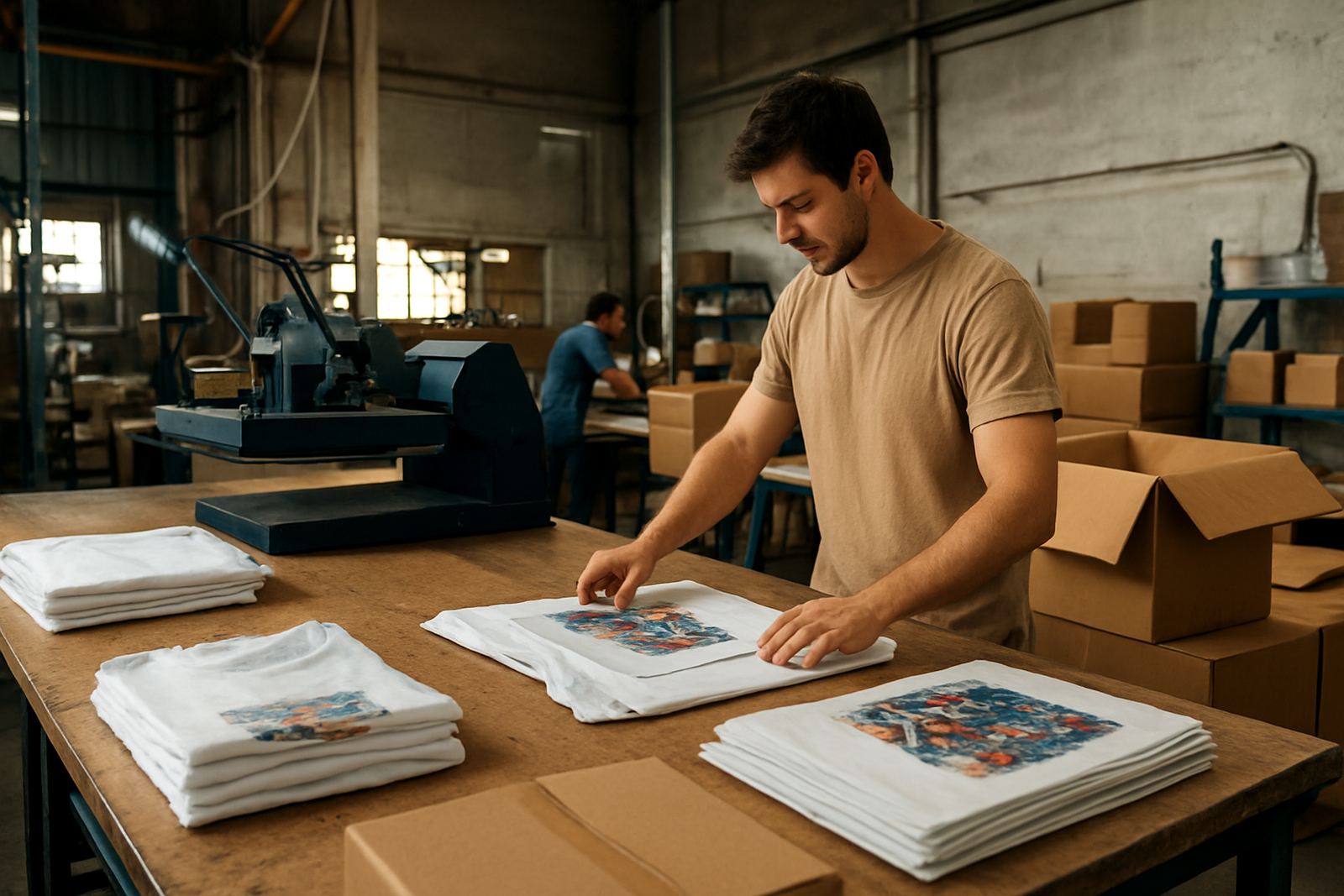
They also work well where the business needs to change artwork often. If you are doing school leavers gear on Monday, a birthday run on Tuesday and a few corporate samples on Wednesday, a desktop unit can handle the switching without wasting much stock. The main discipline is keeping the line clean and using the correct ink for the printer model and head type. A blocked line or poor refill routine can waste far more money than the printer saved.
- Best for short runs and sample work
- Lower space requirement in small premises
- Good choice where one operator manages production and sales
- Needs regular cleaning to keep colour stable
Wide-format printing for higher throughput
Wide-format sublimation setup is the better choice when you need to move more metres per shift or print on larger sheets for production efficiency. Businesses in Midrand, Pretoria and the East Rand often choose this route once they start carrying regular repeat orders from clothing shops, branding firms or print decorators who need steady supply. It is not only about size. It is about getting more usable output from each work session.
For larger order books, wide-format printing reduces the time spent loading media, changing jobs and waiting for the next run. That can help when you are trying to keep delivery promises during the December rush or catch up after a power cut. If your workshop runs on a generator or inverter, the wider setup still needs careful power planning because restart cycles and ink handling matter just as much as print speed.
- Better for repeat orders and higher volume work
- Useful where sheet size or production width is important
- Can improve output planning for busy trade clients
- Needs more floor space and stronger stock control
Colour quality, durability and garment results
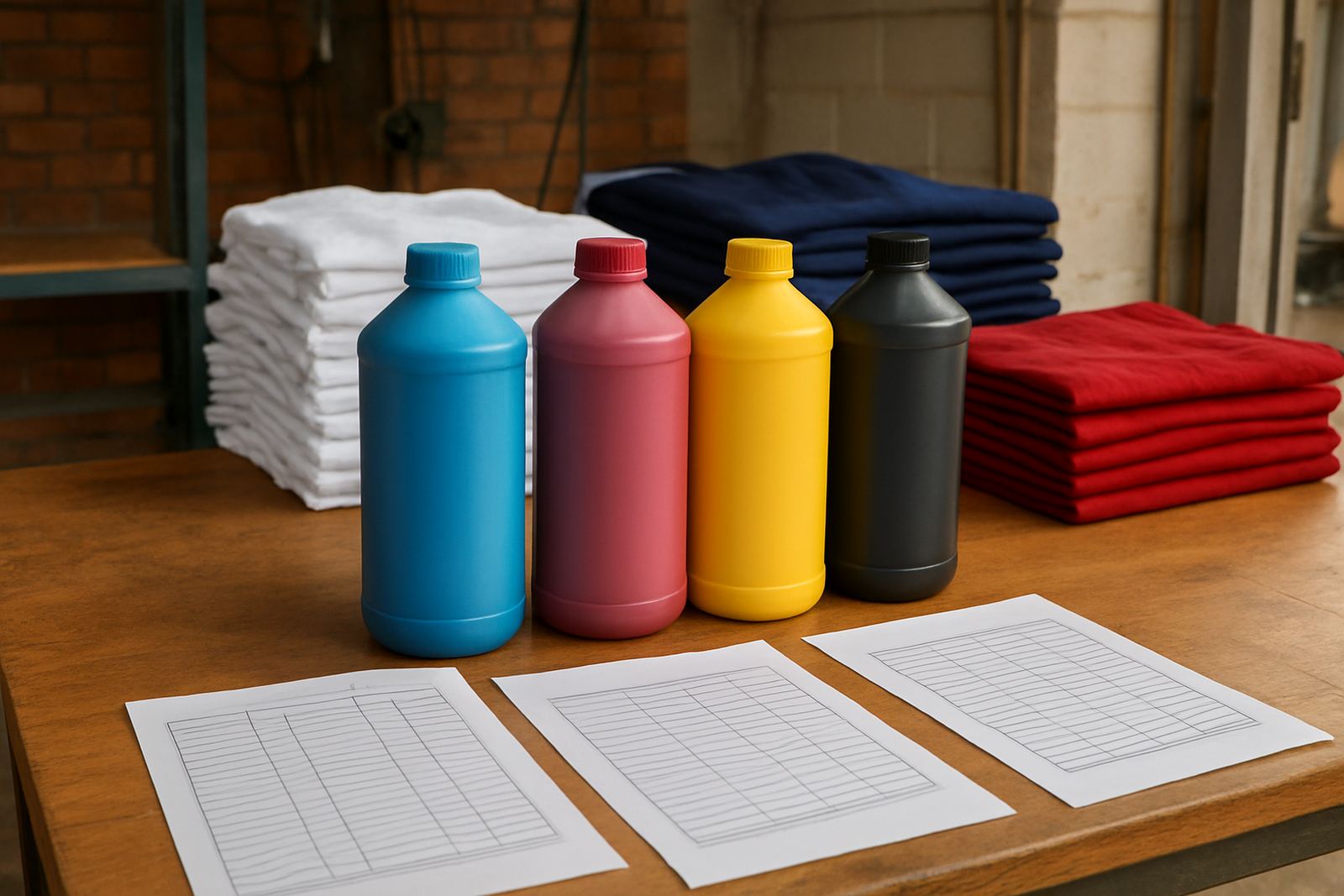
Whether you print on a desktop or a wide-format unit, the ink has to hold colour under heat press conditions and stay consistent from batch to batch. That matters for garment decoration because a bright first sample means little if the second and third orders shift in tone. Trade customers expect the same red, blue or black every time, especially when garments are being matched across sizes and repeats.
Durability also counts when items are washed often or worn in hot weather. In South African conditions, coastal humidity can affect storage, while dry inland air can change how media sits in the room. Keep stock sealed, store cartridges or bottles properly and follow the same handling routine each day. Colour problems often come from inconsistent cleaning, poor refill habits or mixing products that were not made for the same print setup.
- Keep ink batches and refill routines consistent
- Watch storage conditions in humid or dusty areas
- Test colour before large customer runs
Cost, space and stock planning in Johannesburg
For a business based in Kya Sand, the decision often comes down to space, cash flow and turnaround. A desktop unit is cheaper to place into a small room or front office area, and it is easier to keep stock on hand without taking over the whole workspace. Wide-format machines need more room, stronger planning and a better flow for incoming and outgoing stock.
If you are serving customers across Johannesburg, from Sandton to Roodepoort and out to Pretoria, courier timing also matters. Next-day courier can help you plan inks around busy weeks, but you still need to estimate usage before the stock runs low. Many businesses only order once a shortage is already hurting production. That is where proper stock planning helps. It keeps the line moving and avoids last minute changes when a colour is nearly finished.
- Desktop usually suits tighter budgets and smaller rooms
- Wide-format needs more space and better intake planning
- Stock planning helps avoid emergency orders
- Courier timing should match your production calendar
How to choose the right setup for your shop
The simplest way to choose is to work backwards from your actual jobs. If you are mainly making short runs, sample pieces and smaller garment orders, desktop printing is usually the practical starting point. If you already have regular repeat work, larger sheets and enough orders to keep a machine busy, wide-format printing becomes easier to justify.
A local example is a Kya Sand business serving a mix of walk-in customers and trade accounts from the north of Johannesburg. The owner may start with a desktop setup, then move to wide-format once order volume rises and production needs stretch beyond what one small machine can comfortably handle. That path is common, and it avoids buying capacity that sits idle for months.
- Choose desktop if your daily output is still small
- Choose wide-format if order volume is growing steadily
- Match the setup to your staff, space and delivery schedule
What helps both setups perform better
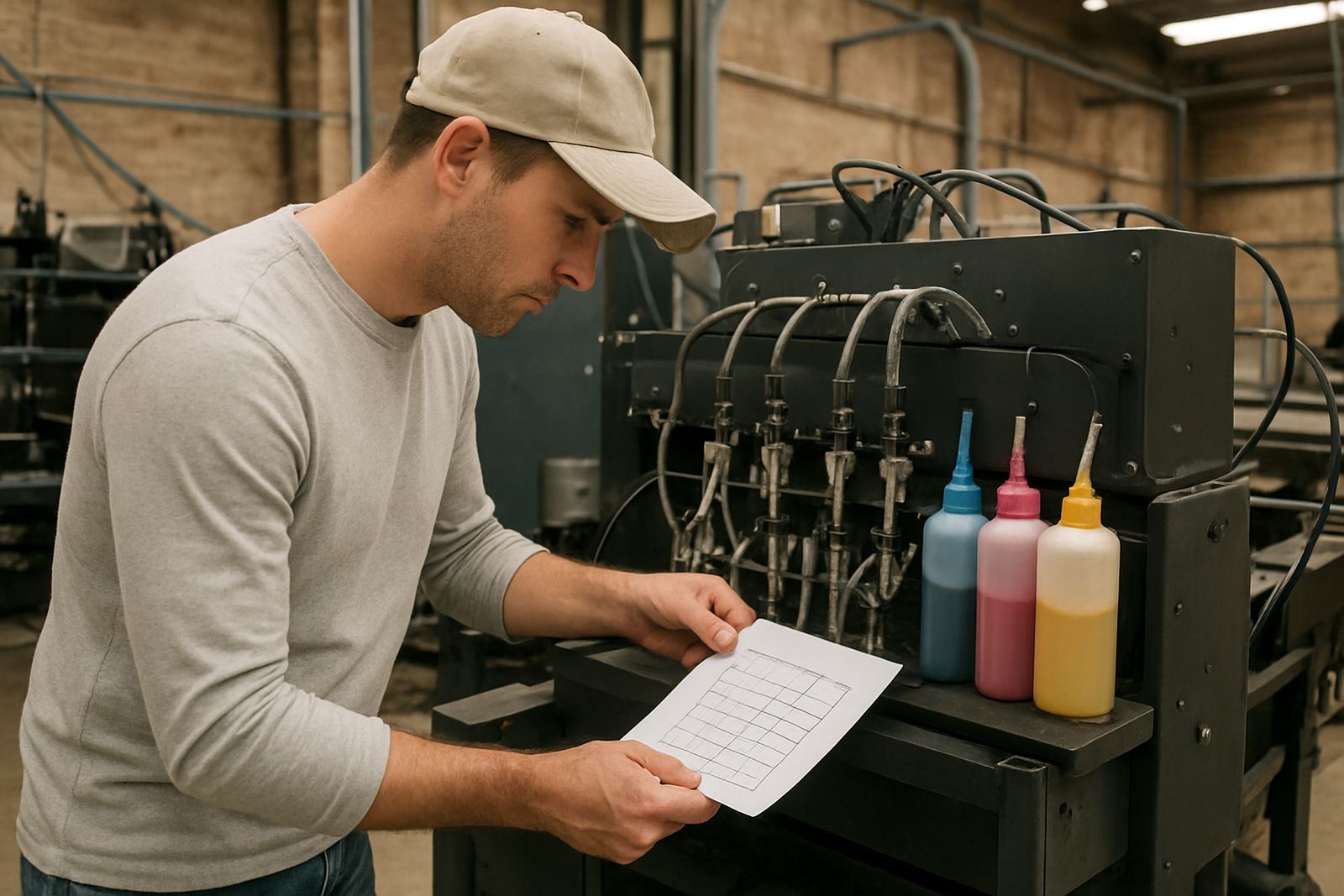
Whatever machine you use, the basics stay the same. Use the right ink, check compatibility before every refill, clean the line regularly and keep a close eye on colour shifts. Good print results come from routine, not luck. That is especially true when power interruptions, dust and fast turnaround pressure are part of normal trading.
If you need help choosing between desktop and wide-format, it helps to work from your current order mix rather than the biggest job you hope to land one day. A good setup should support the work you already do and leave room for growth without forcing expensive changes too soon.
- Check compatibility before buying or refilling
- Keep a cleaning routine and line checks in place
- Plan stock before peak periods and public holidays