

How CMYK Builds Colour in a Sublimation Print
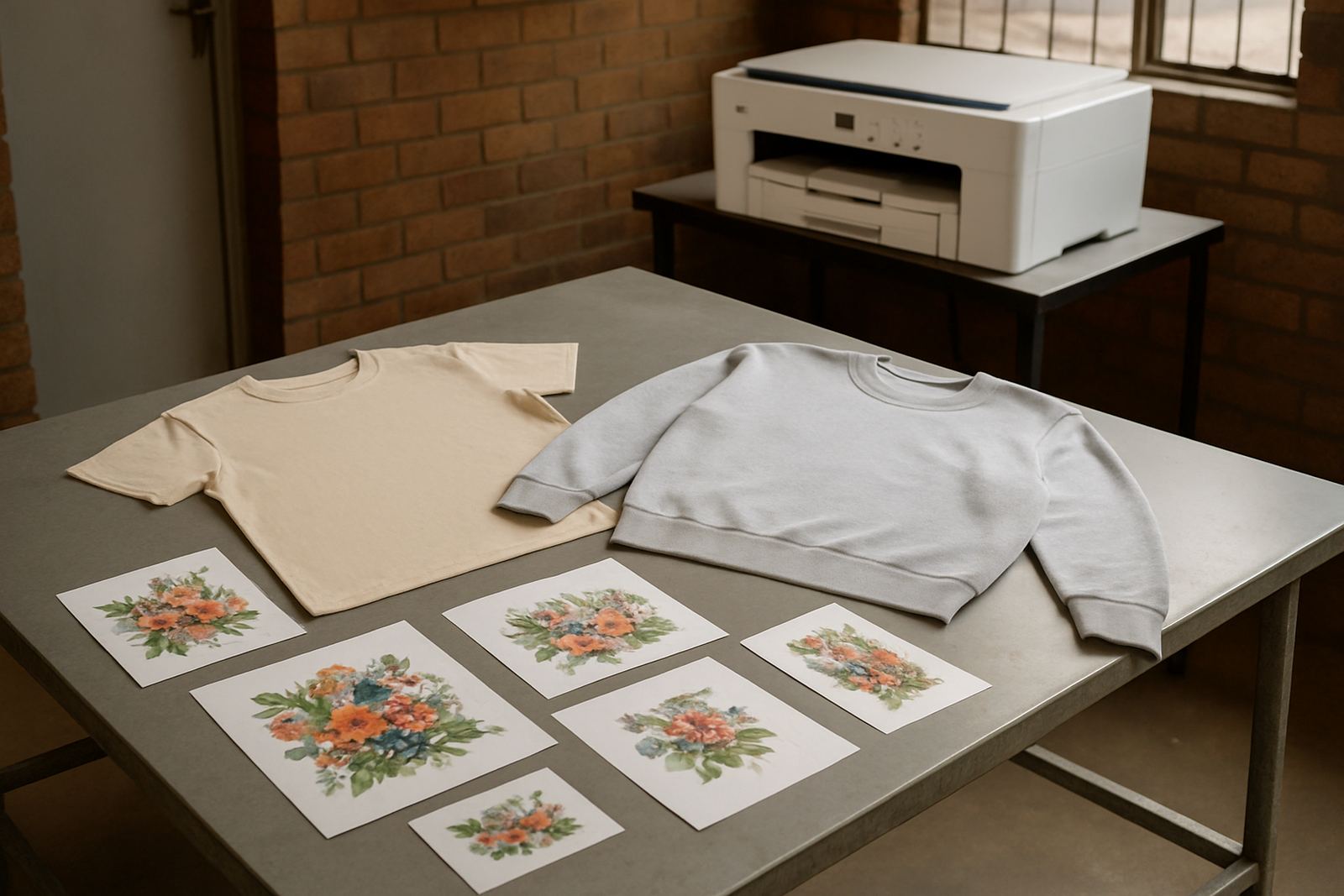
CMYK stands for cyan, magenta, yellow and black. These are the process colours used to mix the full range of shades you see in a printed image. In sublimation, the printer places tiny dots of these colours on transfer paper, then heat turns the ink into gas and pushes it into the coating or polyester fibre.
For South African print shops, the key point is that CMYK is not about matching paint. It is about building colour through layers of dots. A bright green, for example, comes from a blend of cyan and yellow, while reds and purples rely more on magenta. Black is used for depth, text, shadows and cleaner dark areas.
What Each Colour Does on the Job
Each channel has a job and when one is out of balance the final print shows it quickly. Cyan gives cool tones, sky blues and parts of teal. Magenta carries pinks, reds and many violet shades. Yellow brings warmth and helps with oranges, lime tones and skin-tone balance. Black adds contrast, supports sharp text and keeps dark areas from looking muddy.
On a busy production line in Kya Sand or Randburg, it helps to think of CMYK as a team rather than four separate bottles. If magenta is weak, reds look dull. If yellow is underperforming, greens can turn cold. If black is heavy, the image can look flat. Small shifts matter, especially on shirt logos and short-run jobs where colour consistency counts.
- Cyan: cool blues, greens and teal balance
- Magenta: reds, pinks and purple depth
- Yellow: warmth, light greens and orange support
- Black: text, shadows and dark detail control
Set-Up Checks Before You Print
Good CMYK results start before the first sheet goes through the machine. Check that the ink set is correct for your printer type, whether you are running a desktop unit or a wide-format machine. Make sure the heads are clean, the lines are clear and the colours are filling evenly. If you have been sitting through load-shedding, run a quick nozzle check after power returns, because a stop-start cycle can disturb print quality.
It also helps to keep your stock sealed and stored in a cool, dry room. In coastal humidity or a warm workshop, condensation and dust can affect consistency. Keep the bottles upright, label them clearly and rotate older stock first. A simple stock check every week can prevent a wasted batch when a rush order lands from Pretoria or the East Rand.
- Confirm printer model and ink compatibility
- Run a nozzle check before production
- Verify colour channels are filling evenly
- Store ink away from heat, dust and direct sun
- Use older stock first for better rotation
Reading Colour Problems Before They Cost You
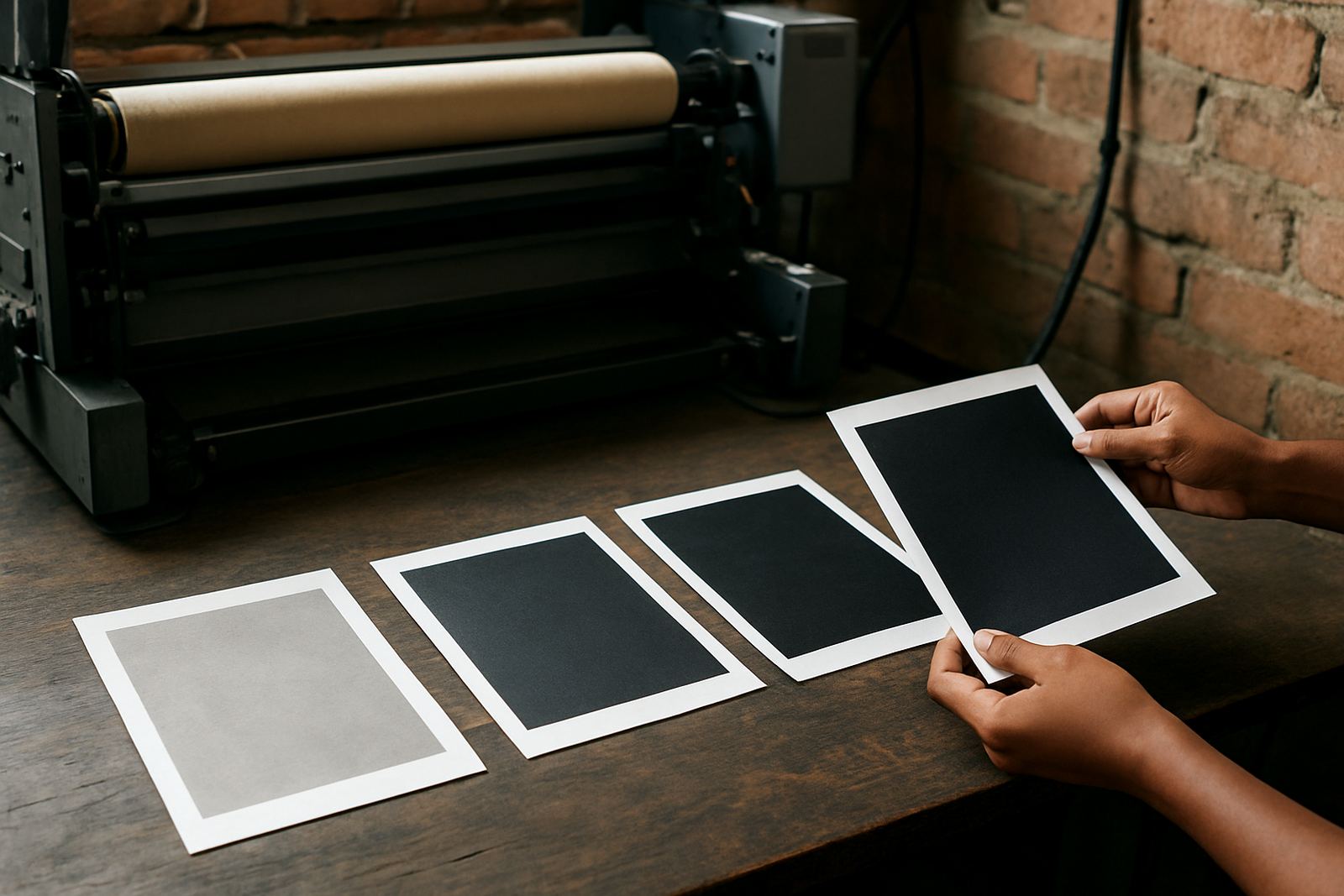
Most print colour issues show a pattern. If prints look washed out, you may have weak ink flow, incorrect settings or the wrong paper profile. If one colour appears missing, it could be a blocked line, air in the system or a head issue. When black looks brownish, the mix may be too warm, or the paper and heat settings may not suit the job.
It is worth testing on a small sheet before starting a larger run. This saves time on bulk orders and avoids reprints on garments or promotional items. For trade customers handling schoolwear, workwear or event stock, a sample sheet gives you a quick view of what is happening before the final transfer. If needed, compare the print under natural light too, since workshop lighting can hide a shift in colour.
Practical Colour Checks for Better Consistency
Once you understand CMYK, the next step is keeping it steady from job to job. That means using the same print settings, the same paper and the same heat press conditions as often as possible. If you change one part of the process, the colour can shift even if the file stays the same.
Try this simple routine when you are setting up a job or checking a new batch of ink:
- Print a small colour chart first
- Check cyan, magenta, yellow and black separately
- Press one test transfer at normal time and temperature
- Compare the result to your last approved sample
- Note any changes in paper, humidity or settings
In busy seasons, especially before month-end and school event peaks, this routine helps keep production predictable. It also makes stock planning easier because you can see when a colour is starting to drift before the whole run goes out.
When to Ask for Support on a CMYK Job
Some colour issues need a second look, especially if you are moving between desktop and wide-format printing or working on a new substrate. If your reds are too dark, your skin tones look grey, or the transfer is inconsistent across the sheet, it is worth checking the ink, profile and line condition together. A proper compatibility check can save both material and time.
For businesses in Johannesburg and surrounding areas, local delivery and courier supply make it easier to keep the right stock on hand, whether you are in Sandton, Roodepoort, Midrand or further out nationwide. Keep your questions specific: printer model, paper type, issue seen and when it started. That gives a clearer starting point for colour troubleshooting and refill guidance.
Good CMYK work is mostly about control. Once you know what each colour does and how to check it, you can print with more confidence and fewer surprises.