
Why Clean Refills Matter More Than Most Print Shops Think
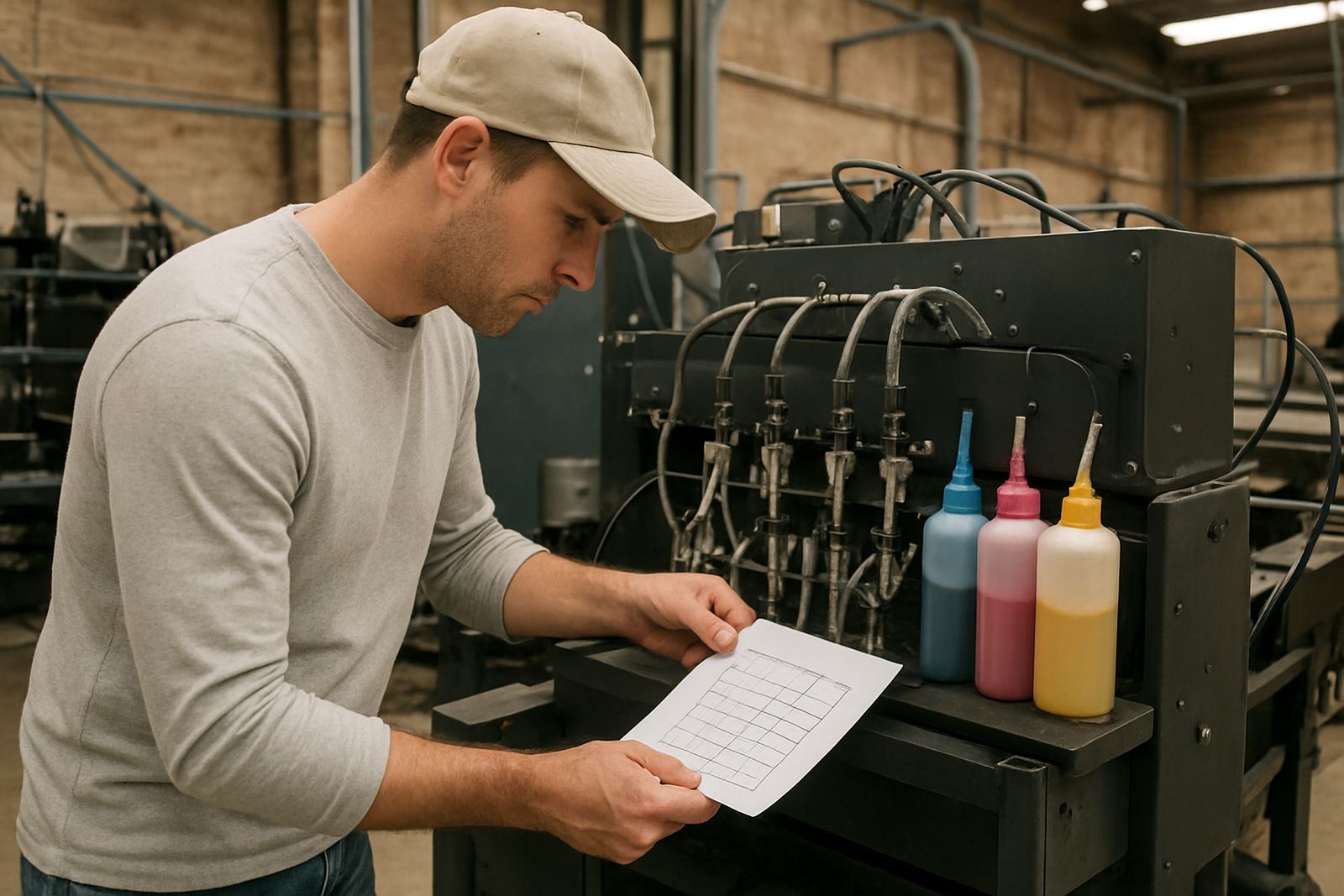
Sublimation ink is sensitive to dust, residue, moisture, and mixing errors. Once contamination enters a bottle, syringe, dampner, or ink line, it can affect every print that follows. The signs are usually easy to spot: dull colour, banding, muddy blacks, and unexpected shifts in skin tones or corporate colours.
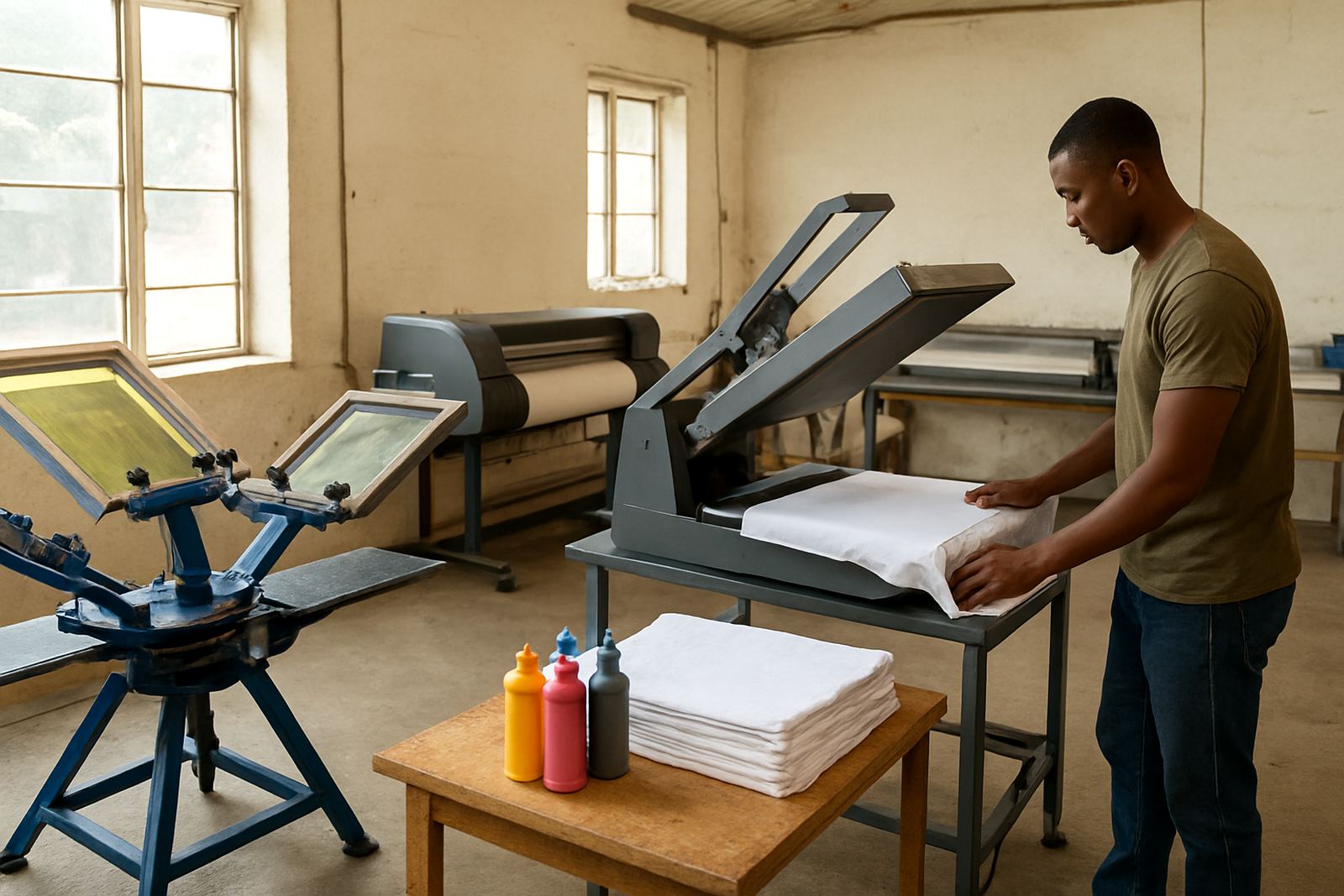
For garment decorators and screen printers, that means wasted transfers, unhappy customers, and extra machine cleaning. In a busy Johannesburg shop, a few bad prints can throw off a whole run before lunch. If you are working across desktop and wide-format printers, the risk climbs further because each system may use different refill routines, different cartridge sizes, and different line lengths.
The simple rule is this, keep every contact point clean from the bottle cap to the final nozzle test. If any part of that path is dirty, the ink can pick up debris or mix with old residue and the whole batch becomes unreliable.
Set Up A Refill Area That Stays Dry And Organised
A clean refill area does not need to be fancy, but it must be consistent. Pick one place for ink handling and keep it away from cutting tables, wash areas, and open doors where dust blows in. In Kya Sand and nearby industrial areas, fine dust gets into bottles very quickly, especially when roller shutter doors are open during the day.
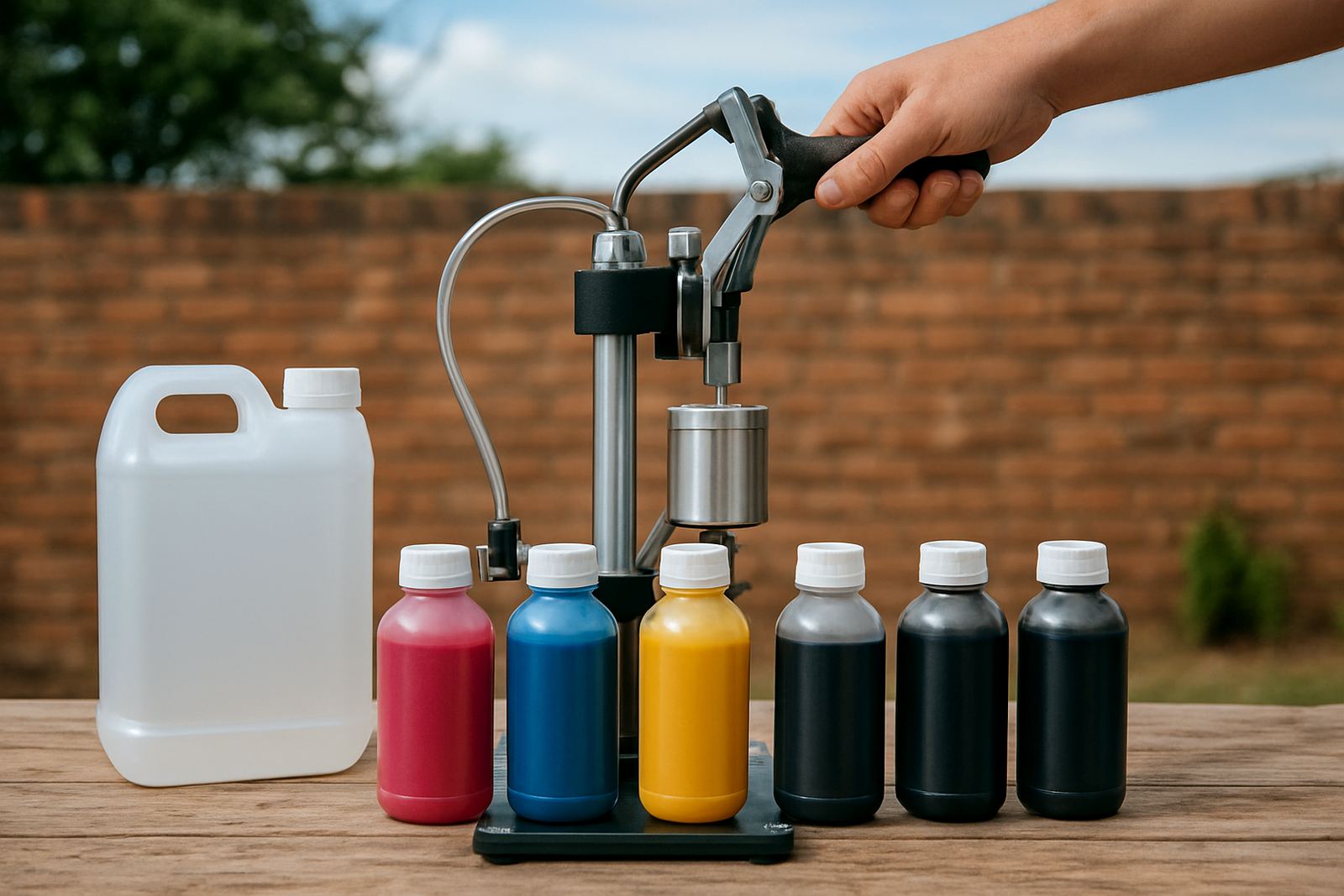
Use a stable surface, clean cloths, and separate tools for each colour. Never place bottle caps face down on a bench. That one habit alone can drag dirt straight into the bottle. If you are using a funnel, syringe, or filling bottle, label each tool clearly so it never gets used for another colour by mistake.
- Wipe the bench before every refill.
- Keep caps closed when bottles are not in use.
- Store open tools in a clean tray, not loose in a drawer.
- Keep magenta, cyan, yellow and black completely separate.
How To Avoid Cross-Contamination During Refill Work
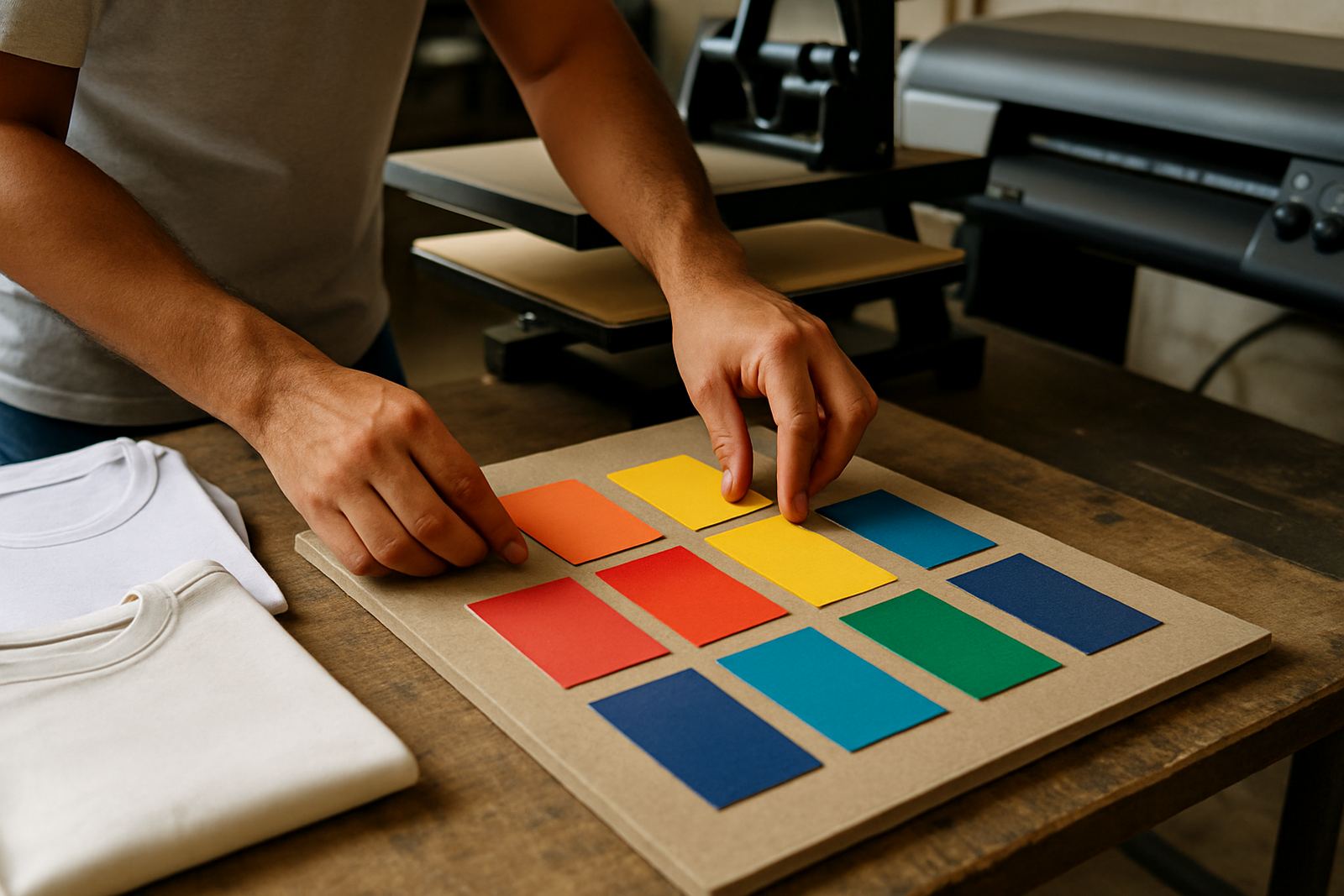
Most contamination happens through simple cross-contact. A drop of one colour on a glove, a reused syringe, or a half-clean funnel can carry pigment into the next bottle. Even a small trace can alter the output, especially on light garments where colour accuracy matters. The habit to build is slow and deliberate refilling, not rushed top-ups between jobs.
If you are refilling from bulk stock, pour only what you need for the shift and keep the main container sealed. Do not top up a bottle that still has unknown residue inside unless you have cleaned it properly and allowed it to dry. Water left behind can thin the ink, and leftover particles can settle at the bottom. That can lead to inconsistent flow and nozzle drop out later in the week.
One practical check is to look at each bottle under good light before sealing it. If you see flakes, streaking, or cloudiness, stop and investigate. It is quicker to fix a problem at the refill stage than to strip a print head after a production run.
Watch For Moisture, Heat And Storage Mistakes
South African conditions can be hard on ink storage. Coastal humidity, summer heat, and load shedding all create different risks. Heat can change ink behaviour, while power cuts may leave printers idle for too long and allow ink to settle in lines. In humid areas, moisture can collect around open bottles and contaminate the contents if lids are not sealed tightly.
Store ink in a cool indoor space, away from direct sun and away from floor level where dust and damp can build up. Do not keep bottles beside a window or next to a heat source. If a print room gets very warm in afternoon, rotate stock so older bottles move out first and fresh stock stays sealed until needed. That helps with stock planning too, especially for trade customers that run steady volume every week.
- Seal bottles immediately after use.
- Avoid storing ink in vehicles for long periods.
- Keep stock off concrete floors and away from damp walls.
- Use first-in, first-out stock rotation.
Clean Lines Before You Blame The Ink
When colour shifts or print quality drops, many teams blame the ink first. In practice, blocked nozzles, old residue in the line, or poor cleaning routines are often the real cause. If you switch between products, or if a machine has sat unused during a long weekend, line cleaning becomes essential before production starts again.
Do not mix cleaning fluids, waste ink, and fresh sublimation ink in the same tools. Keep cleaning cloths separate from refill cloths, and use proper line cleaning advice for the model you are running. If a line has been carrying a different ink grade, flush it properly before introducing the new bottle. Leaving residue behind is a common way contamination sneaks in.
At a small shop in Roodepoort, for example, one printer can be fine while another starts showing faint colour drag after a refill. That is often not a storage issue at all, but a line that was topped up too quickly after a partial flush. A proper clean usually sorts it out before it becomes a bigger fault.
Simple Habits That Keep Colour Stable On Every Run
If you want repeatable colour, build a routine and stick to it. Use the same order for refilling, the same storage method, and the same pre-print check every time. Keep records of which inks were used, which printer they went into, and when the last cleaning cycle was done. That helps when a customer asks why a batch from this week looks different to last week.
Startup print shops often overlook this because the first focus is simply getting jobs out the door. But a few disciplined habits save time fast. It is easier to prevent contamination than to reprint 80 metres of transfer work because one bottle cap was left open or one syringe was used across two colours.
Our team works with trade customers across Johannesburg, Pretoria, Sandton, Midrand, Randburg, Roodepoort, East Rand and nationwide by courier, so we see the same problems in many setups. The good news is that most contamination issues can be avoided with careful handling, sensible stock planning, and the right advice for the printer in use.
When To Ask For Help Before The Problem Gets Bigger
If your prints keep changing colour, your lines clog too often, or you are not sure whether a bottle is still clean, get advice before you run more stock through the machine. A compatibility check can save money when you are switching printers, testing a new refill method, or comparing small batch and bulk order use.
Sublimation Ink offers practical help with ink selection, refill guidance, colour troubleshooting, sample order assistance, and courier coordination from our Johannesburg base in Kya Sand. That is especially useful for businesses that need next-day courier delivery nationwide and cannot afford delays from avoidable contamination.
One careful refill routine today can protect your next ten jobs. That is the part many print shops learn the hard way, usually after the first bad run.