
Why Sublimation Prints Go Flat Before They Go Wrong
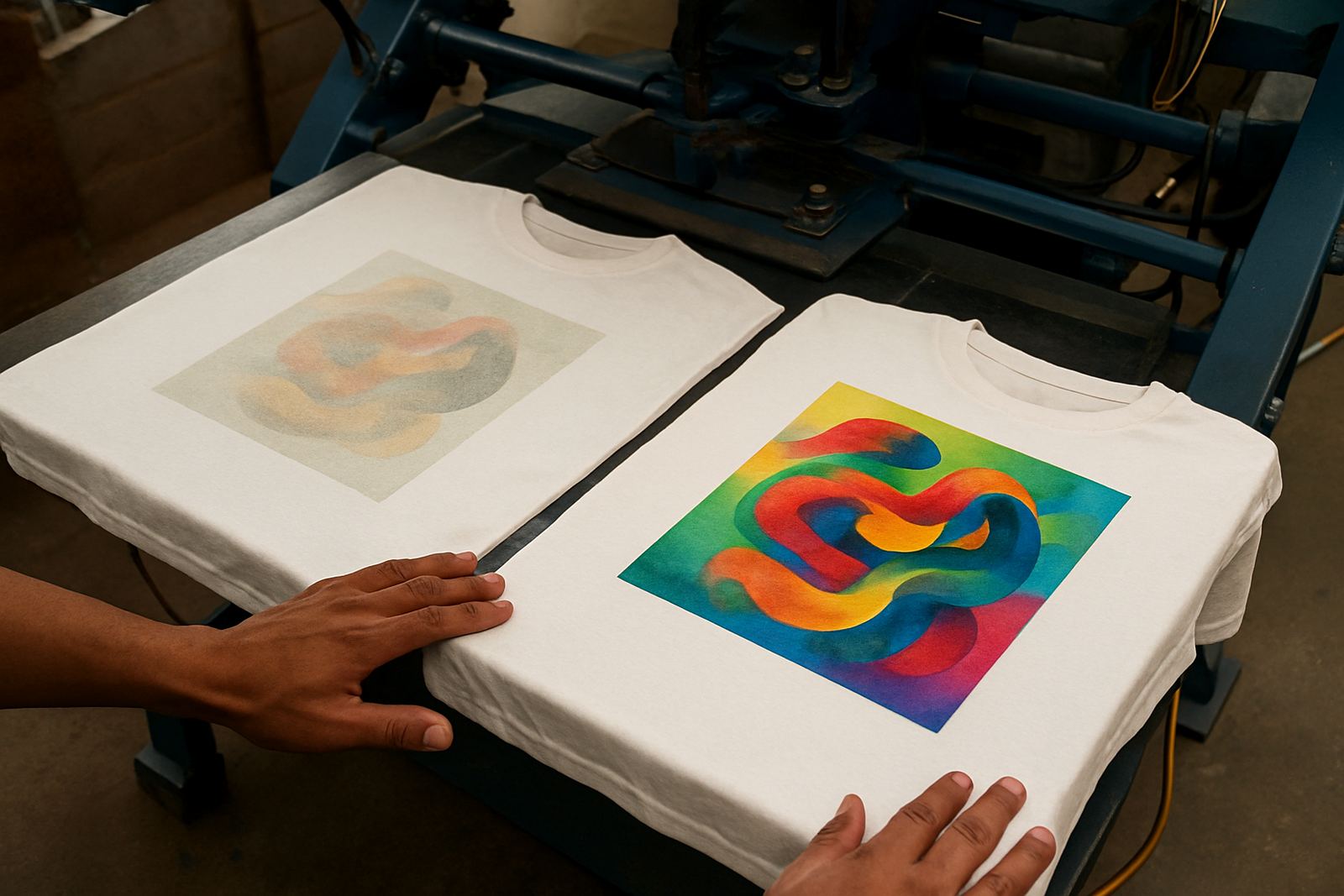
When a print comes out looking pale, washed out or low in contrast, the issue is often hiding in the setup rather than the artwork. In sublimation work, dull output can come from temperature that is too low, press time that is too short, paper that is not matched to the job, or an ink line that is not feeding properly.
Many shops in Johannesburg and the surrounding areas see this after a busy week of mixed orders. A customer runs T shirts in the morning, then moves to mugs, then checks a new batch of media in the afternoon. If one variable changes and nobody notices, the print can start losing punch without any obvious alarm. The good news is that most dullness can be traced with a short, practical check list.
Start With the Transfer Settings, Not the Artwork
If the design looks fine on screen but dull on the substrate, the first place to look is the heat press or transfer process. Sublimation ink needs the right mix of heat, pressure and dwell time to turn into a strong image on polyester coated surfaces. If any one of those is out, the colour may look weak even though the file was correct.
- Check the press temperature with a separate thermometer, not only the display.
- Confirm the dwell time for the specific product, since mugs, garments and hard goods all behave differently.
- Make sure pressure is even across the platen or wrap, especially on edges and curved items.
- Keep the substrate clean and dry before pressing, because moisture can flatten the colour.
A common mistake is using the same setting for every order. That can work for a while, then suddenly a batch of prints starts coming out flat and the team blames the ink. In many cases the press was simply under heating by a few degrees.
Media Mismatch Can Drain Colour Fast
Paper, film and substrate all affect the final result. If the media is not suited to the ink load, the transfer can look weak even though the print head laid down enough colour. Some papers hold more ink for richer transfers, while others release faster and suit lighter work or faster turnaround.
This matters in real production where stock changes from job to job. A small clothing business in Kya Sand may print a short run of promotional shirts one day, then switch to branded panels or coated blanks the next. If the paper profile, coating or blank quality changes, the same file may no longer produce the same colour depth.
- Match the paper to the type of transfer and the speed of the printer.
- Check that the substrate has a proper coating for sublimation.
- Store paper and blanks in a dry area, especially in humid weather.
- Keep an eye on older stock, since moisture can affect release and colour transfer.
If you are seeing dull prints only on a new carton or a different blank size, test a single sheet before committing the full batch.
Ink Supply Problems Often Show Up as Weak Colour First
Ink supply issues do not always show as missing lines. Sometimes the first sign is simply poor density. If the ink is not moving freely through the line, or if one colour is flowing slower than the others, the print can look tired and uneven.
This is where refill guidance and line cleaning advice can save a lot of waste. A blocked line, air in the system, low ink levels or settled pigment can all reduce output. Wide-format machines and smaller desktop units can both show the same symptom, though the cause may differ.
- Inspect ink levels before a long run, not only when a colour warning appears.
- Watch for air bubbles in the line after refills or transport.
- Run a nozzle check before full production, then compare all colours.
- Keep caps, wipers and capping station areas clean so the head stays wet and ready.
Load-shedding can also play a part. After a power cut, a machine that was left idle too long may need a proper check before production starts again. If a printer sits overnight in a warm room, the heads and lines can also dry out a bit, which affects colour strength the next morning.
How to Troubleshoot Dull Prints in a Measured Way
The fastest way to solve dullness is to change one thing at a time. If you adjust the paper, press settings and ink at once, you will not know which change helped. Keep a simple test record and work through the job methodically.
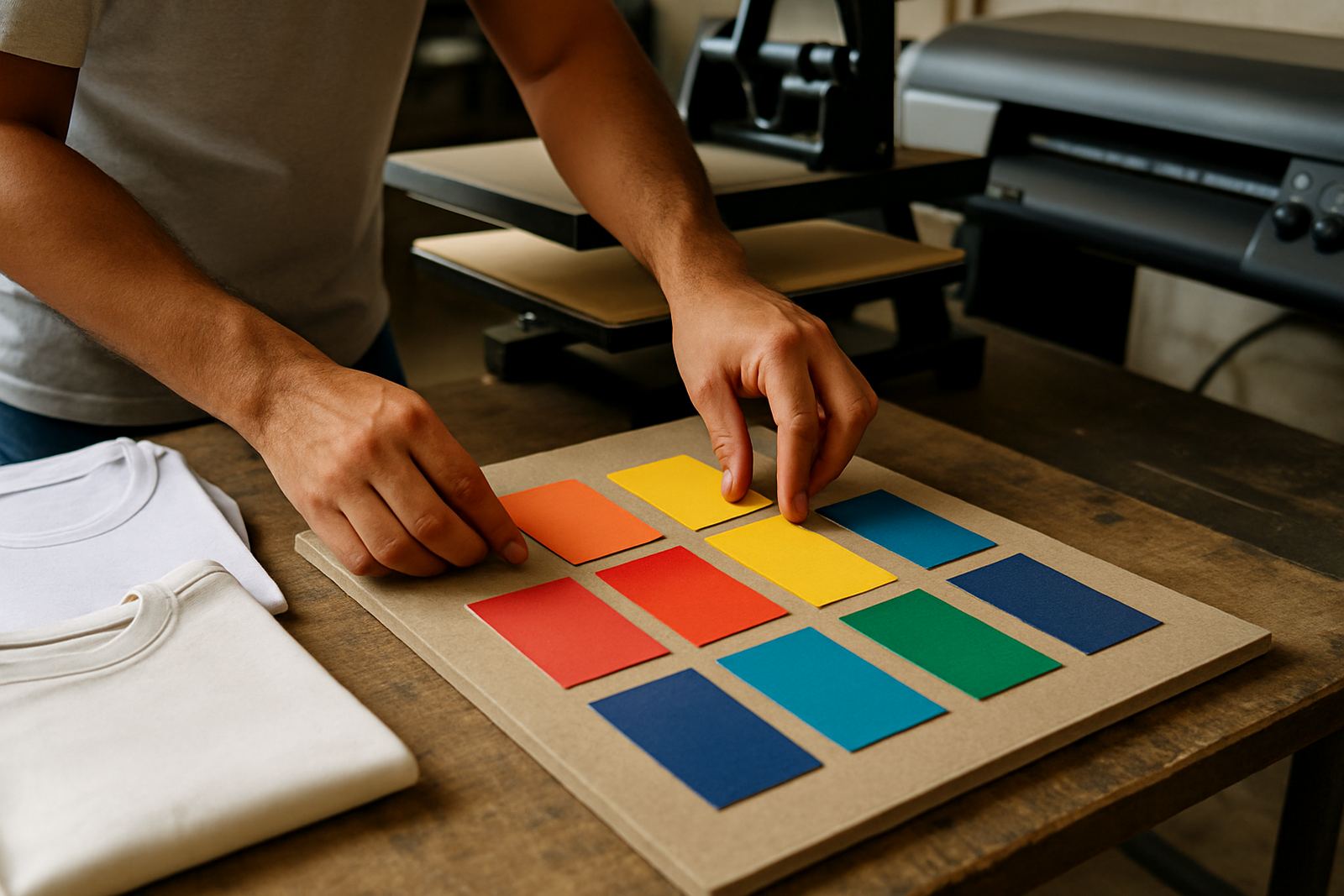
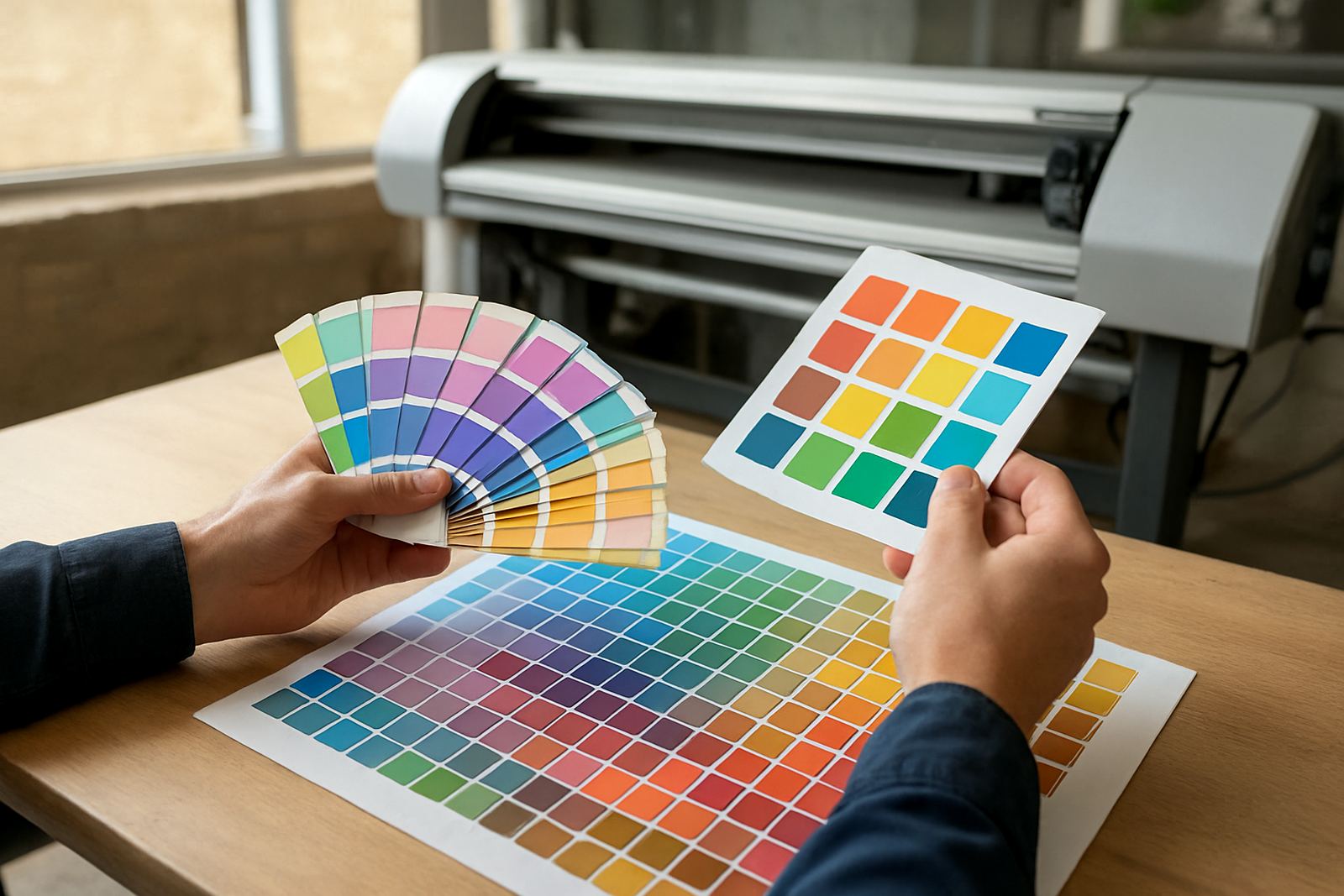
A practical sequence looks like this: print a nozzle test, then a small colour chart, then press one sample using the known settings. If the print is still weak, compare it with another paper or blank from the same batch. When the change is obvious, you have a clear starting point for the fix.
- Use the same artwork and the same machine for each test.
- Change only one variable per sample.
- Label test pieces with date, temperature, time and substrate.
- Keep a record of what worked, so the next order is easier to repeat.
This approach is useful for trade customers who need consistency across multiple runs. It also helps new operators build confidence without wasting stock.
What We See Most Often From Gauteng Print Shops
In and around Johannesburg, dull prints often come through after a shift in stock or a rushed refill. A shop in Randburg might call in after noticing that reds look weak on one batch of T shirts but not the next. The cause can be as simple as a temperature drift, a paper change or a line that needs cleaning after a refill.
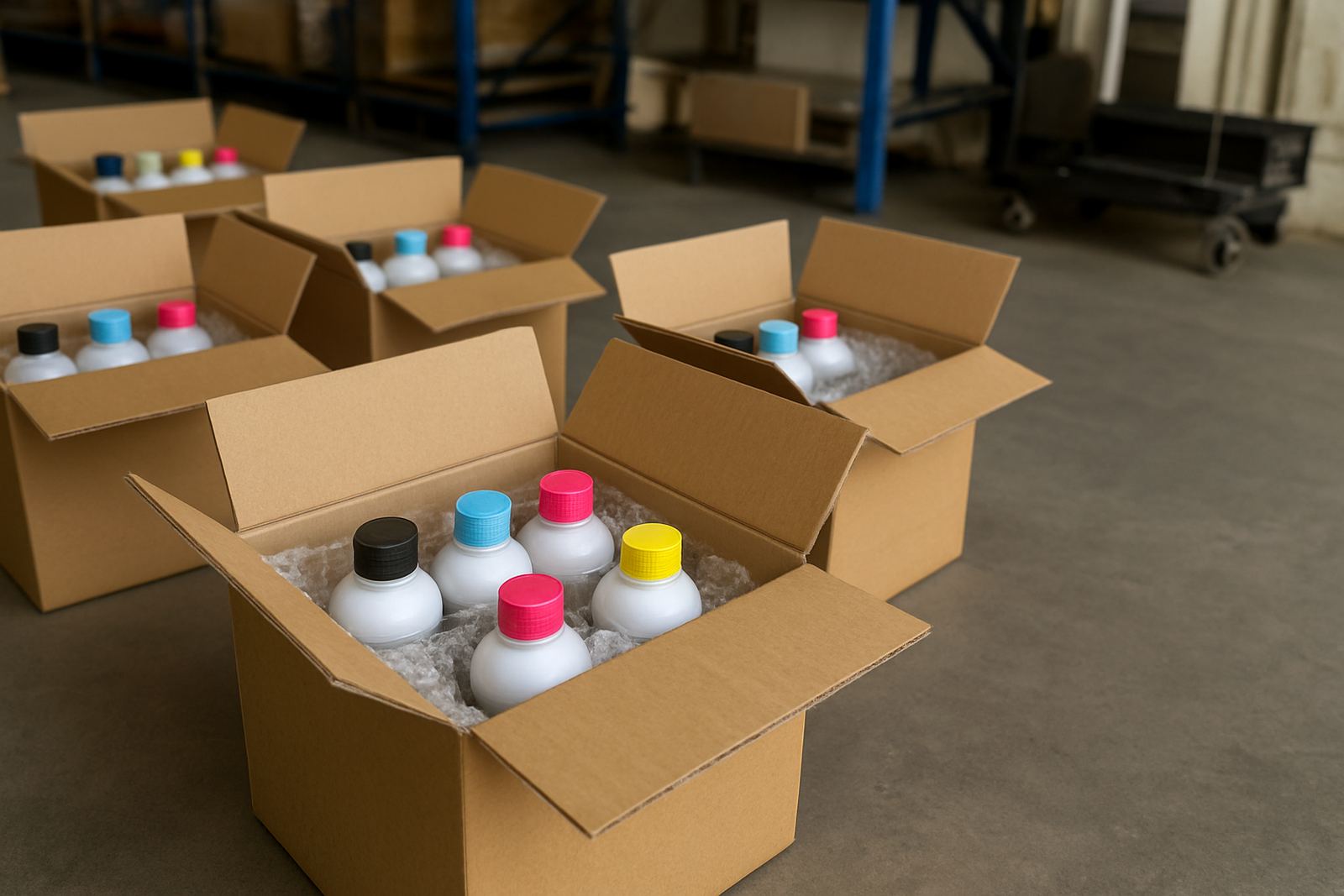
For operations working between Kya Sand, Midrand, Sandton and Pretoria, next-day courier supply helps keep the workflow moving. That matters when a small business has promised a quick turnaround for a school order, club kit or branded merchandise run. If one bottle or one batch is off, the whole delivery can fall behind.
Consistency advice is often more valuable than a one-off fix. Once a printer, paper and press combination is behaving well, the aim is to keep it there through stock planning, careful handling and regular checks. A stable routine saves money and reduces reprints, which is what most businesses want when margins are tight.
When to Ask for Help Before the Next Batch
If dullness keeps returning after you have checked temperature, media and ink flow, it is time to get a second set of eyes on the process. That is usually the point where colour troubleshooting and compatibility checks save the most time. The problem may be in the machine settings, but it may also be in the way the job is being prepared or stored.
Use help early if you are preparing a bulk order, switching to a new blank, or moving from desktop to wide-format work. A short review before the run is easier than replacing stock after the fact. For teams in Roodepoort, East Rand, or further afield with nationwide courier needs, a planned check can keep the order schedule steady and the colour where it should be.
Strong print results usually come from repeatable habits, not guesswork. Once your settings, media and ink supply are aligned, the print should come off the press with the depth and clarity you expected, not a washed out finish that needs explaining to the customer.