
Start With Ink Storage That Respects Heat And Humidity
Sublimation ink is sensitive to the conditions it sits in every day. In Johannesburg, daytime heat, dusty work areas and seasonal humidity can all affect how ink behaves if bottles are left near windows, next to hot machinery or in a storeroom that is not properly sealed.
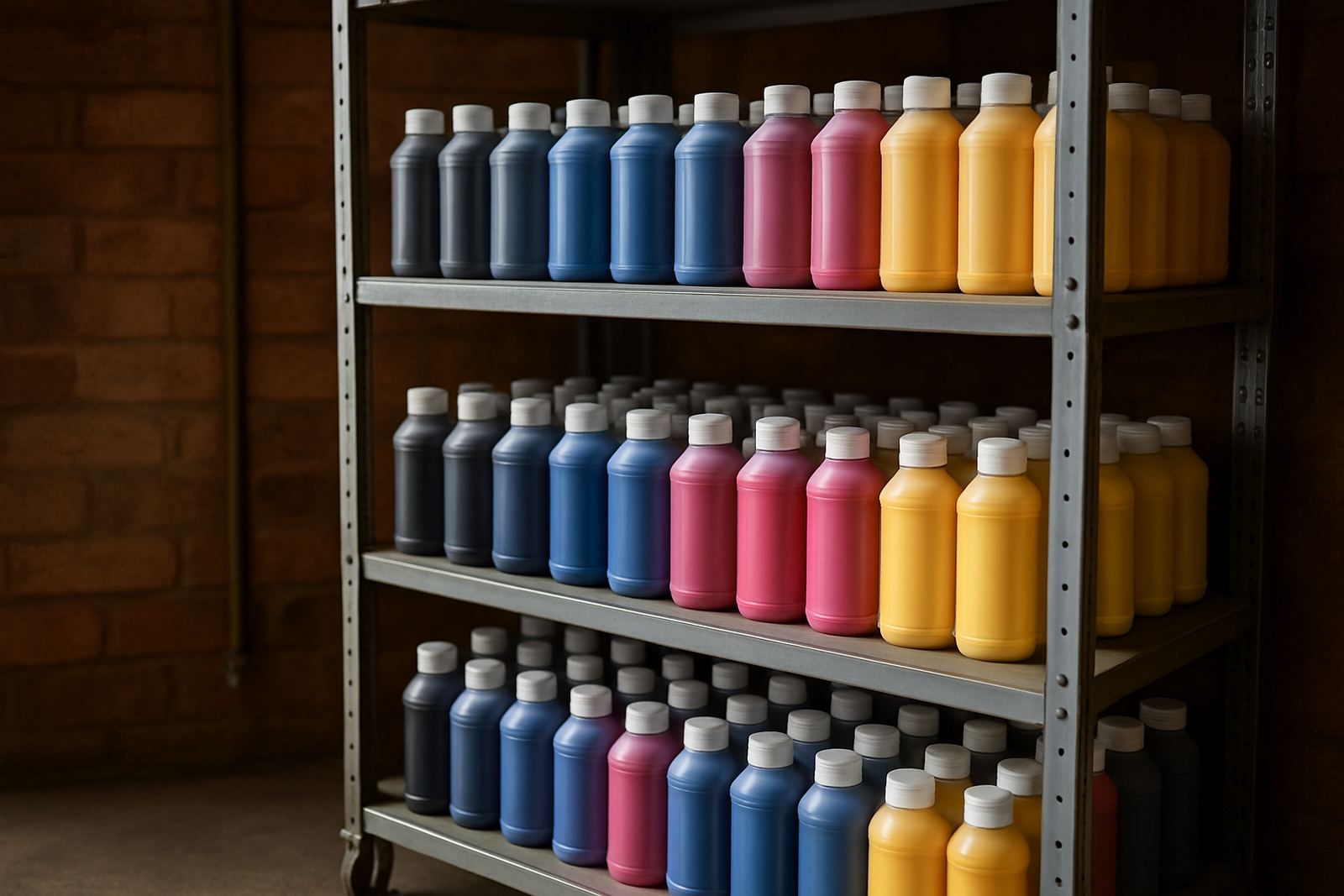
Keep sealed stock in a cool, dry room and away from direct sun. If your workshop picks up dust from traffic in Kya Sand or has open roller doors, store bottles in closed shelving and keep caps clean. A bottle that has been opened and left standing for weeks can collect contamination around the neck, which later shows up as poor colour or blocked lines. That is why simple handling discipline matters as much as the ink itself.
- Store bottles upright and off the floor.
- Keep stock away from heaters, compressors and windows.
- Use older stock first and rotate deliveries in date order.
- Wipe bottle tops before pouring or refilling.
Protect Colour By Matching Ink To The Printer Setup
Strong colour depends on more than a bright-looking bottle. The ink has to suit the printer, the heads, the media and the transfer process. A good match reduces banding, keeps tones more stable and helps you avoid wasting paper and garments on repeats.
When a workshop in Randburg or Pretoria starts running mixed jobs, the temptation is to use whatever is on hand. That approach often leads to dull reds, weak blacks or a green cast that shows up once the polyester has been pressed. It is better to confirm compatibility before the first full run and to keep one set of process settings for each printer type. Small changes in temperature, speed or curing time can shift colour more than many operators expect.
- Check that the ink suits the specific printer model and head type.
- Keep one file of press settings for each substrate and transfer paper.
- Test a new batch on the same garment type before bulk work.
- Record the exact settings used when colour is correct.
Handle Bottles And Cartridges Cleanly From The First Pour
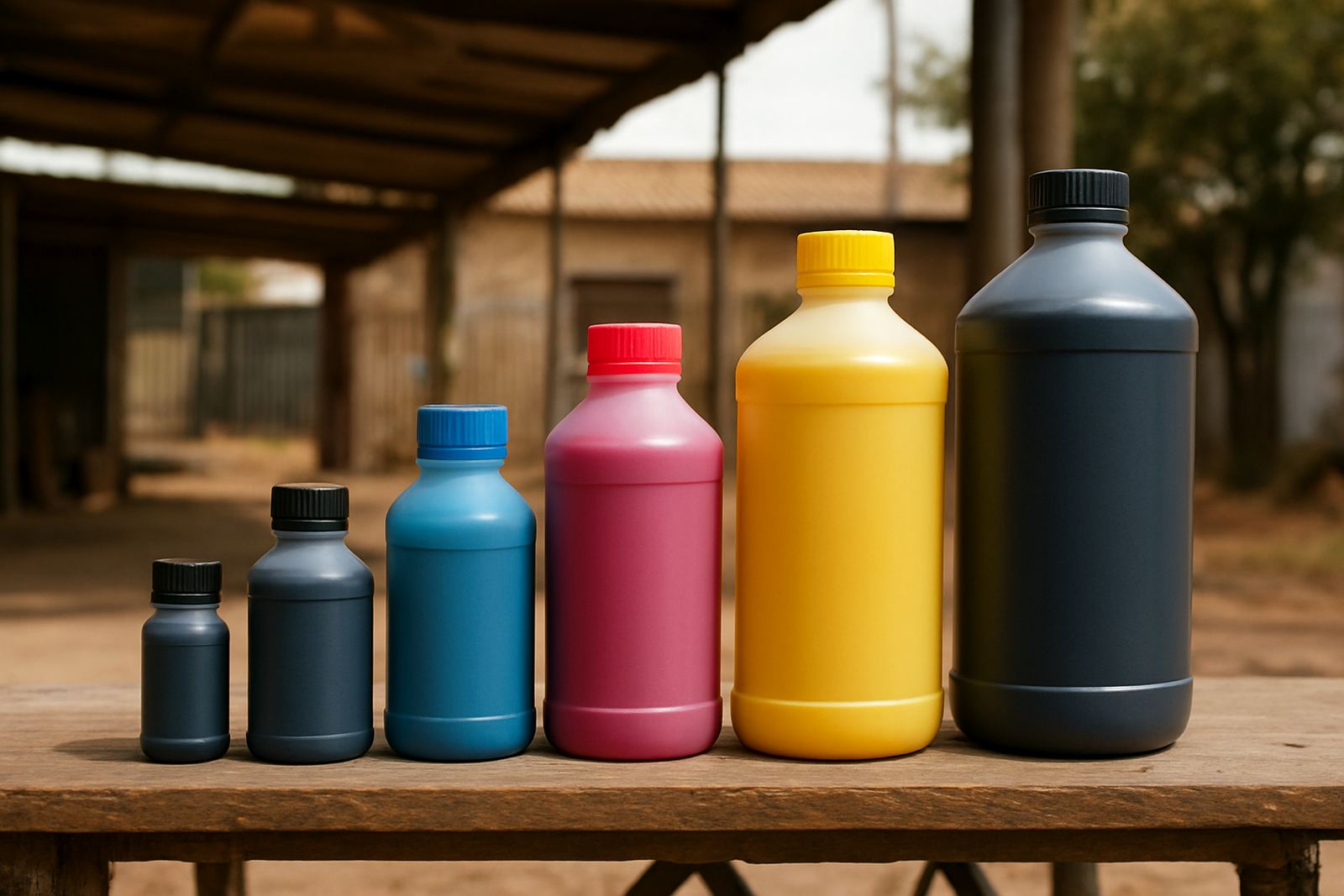
Many colour problems begin with contamination rather than a faulty recipe. Dust, fibres, dried residue and mixed inks can all affect vibrancy. In a busy production space, one careless refill can spread through an entire line and cause weeks of small faults that are hard to trace.
Use clean funnels, keep lids on when not in use and avoid topping up partially full containers unless you know exactly what is already inside them. If you are changing over from one ink to another, flush the line properly and do not rush the job. A little residue left in the system can mute output or give you odd shifting in the shadows and highlights. The same applies after long weekends or load-shedding interruptions, when stagnant ink should be checked before production starts again.
- Label all open containers clearly.
- Never mix different inks in the same bottle or line.
- Clean refill tools after every use.
- Inspect dampers, caps and tubing for dried residue.
Use Regular Nozzle Checks Before Colour Problems Spread
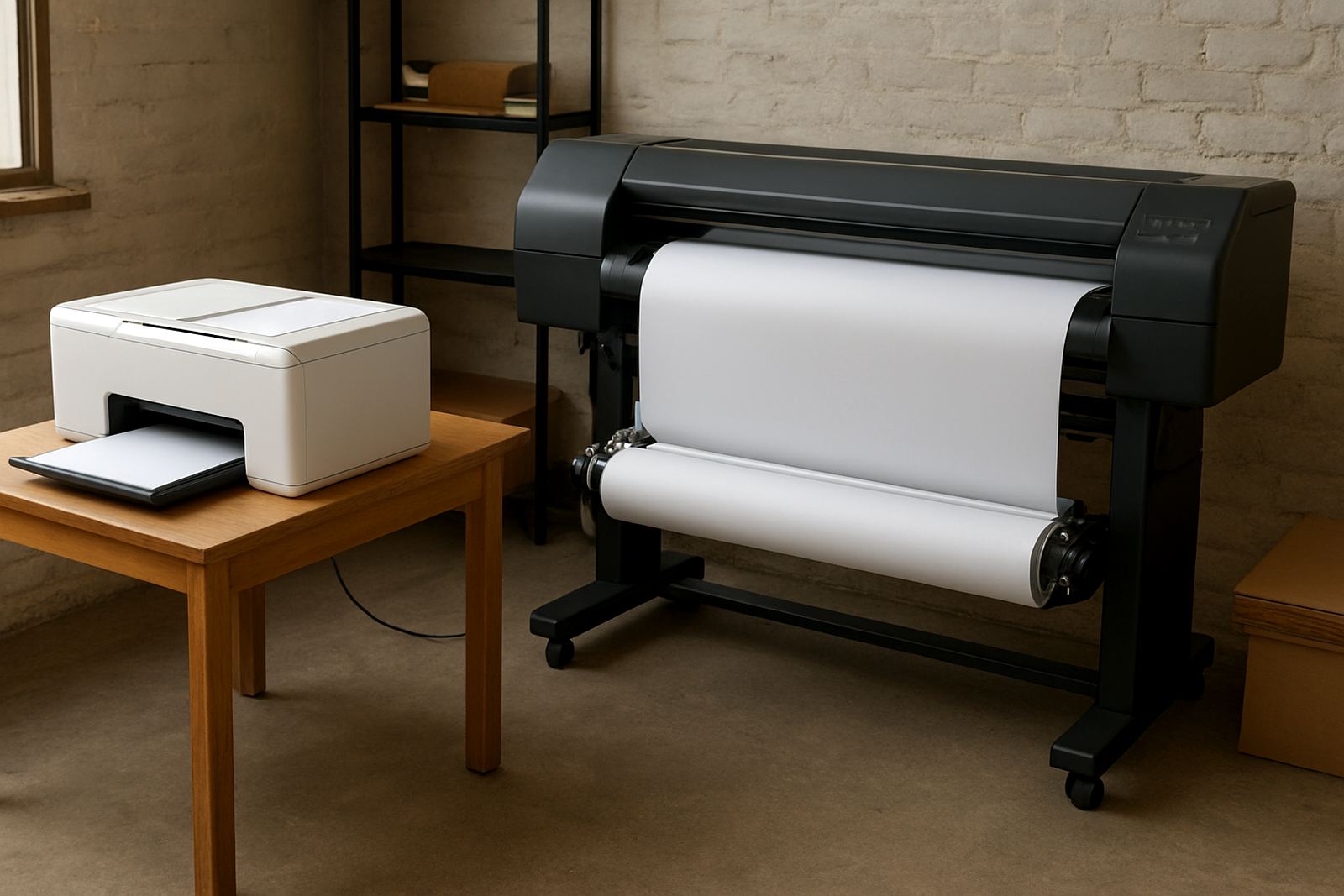
Process control is what keeps vibrancy steady from job to job. Nozzle checks, head cleaning and regular maintenance should be part of the shift, not something done only when a print looks bad. If nozzles are missing, colours lose density and fine detail starts to soften. Once that happens, you can waste metres of transfer paper before the issue is noticed on the garment.
For trade customers working with school wear, sportswear or promotional items, speed matters. A quick check at the start of the day can save a full afternoon of reprints. It also helps to keep the machine environment stable. Sudden power cuts, fluctuating temperatures and idle periods during outages can all disturb consistency, especially in smaller print rooms where one printer carries most of the workload.
- Run a nozzle check at the start of each shift.
- Keep a log of cleaning cycles and maintenance dates.
- Do a test print after any power interruption.
- Replace worn parts before they cause colour drift.
Match Pressing And Fabric Choice To The Colour You Want
Even perfect ink will not fix the wrong substrate. Sublimation works best on suitable polyester content and the transfer result changes with garment colour, weave and finish. A light, even base gives brighter colour, while uneven fabric or low polyester content can leave prints looking flat or washed out.
When a client in Midrand wants strong corporate blue on a batch of staff shirts, the fabric choice and press process need to be set before the order goes out. The same design can look sharp on one fabric and weak on another, even if the printer settings stay unchanged. Heat, pressure and dwell time all affect how fully the colour transfers. If the garment stock changes, the settings should be tested again rather than assumed to be correct.
- Confirm fabric composition before the run starts.
- Test on the actual garment, not only on sample paper.
- Keep pressing pressure even across the full platen.
- Allow finished items to cool properly before packing.
Plan Stock And Support Around Real Production Demand
Colour consistency is easier to protect when stock planning is done properly. Running short on ink mid-job forces substitutions and interruptions, and those gaps can affect the finish more than many people realise. A workshop that prints in batches for resellers, schools or branding jobs needs enough stock on hand to cover busy periods and courier lead times.
From our Kya Sand base, next-day courier delivery helps trade customers keep production moving in Johannesburg, Pretoria, the East Rand and beyond. That is useful when a line is busy or when a refill order is needed before the weekend rush. Good support also includes practical advice on selection, line cleaning, refill handling and colour troubleshooting, because protecting vibrancy is not only about what goes into the printer, it is also about how the whole process is managed from store room to finished garment.
- Keep a minimum stock level for your busiest ink colours.
- Order early before peak production weeks.
- Keep notes on what works for each printer and fabric type.
- Use sample orders when introducing a new production line.
In practice, protecting vibrancy is about discipline. Store the ink properly, keep the system clean, check the machine often and match the process to the garment. Do those things consistently and the colour will hold its strength where it matters, on the final product.