
How line blockages show up on a live print run
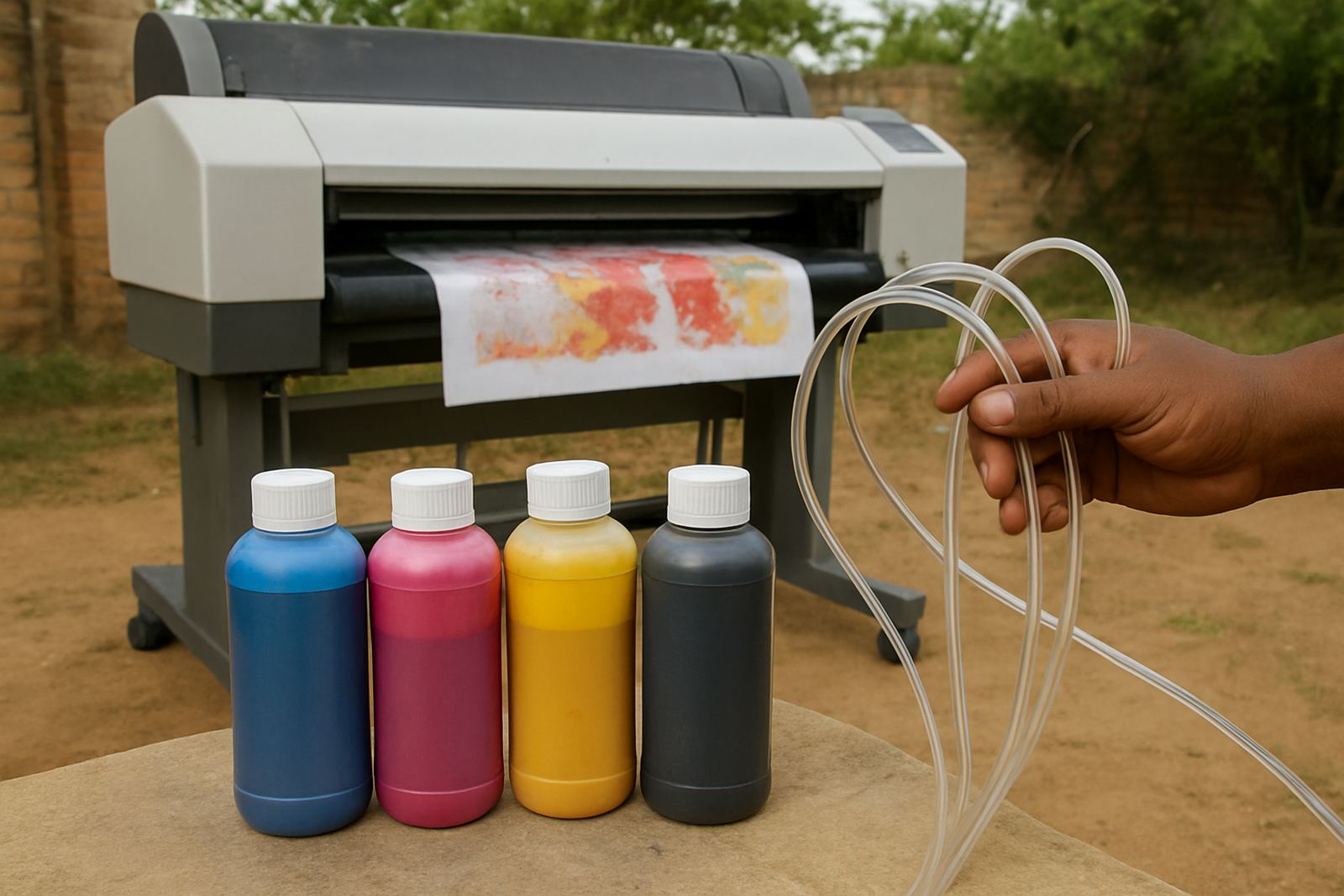
Line blockages do not always stop a printer dead. More often they show up as banding across the print, weak patches in one colour, or a line that looks slightly lighter on one side of the image. In a garment shop doing urgent work for a client in Randburg or Sandton, that kind of fault can waste a full batch before anyone notices. The first clue is usually inconsistency. One print looks fine, the next has a faint stripe, then the third is worse. That tells you the ink is not moving evenly through the line.
Blocked lines often affect a single channel first, especially after a machine has sat unused over a weekend or through load-shedding. You may also see slow recovery after cleaning, where the nozzle check improves only for a short while and then drops off again. That points to a restriction somewhere between the bottle and the printhead, not just a dirty nozzle plate.
If you run both desktop and wide-format machines, remember that symptoms can look different. A smaller unit may show missing blocks of colour quickly, while a wider printer can hide the issue until the job is already under way. Either way, the fault is usually there long before the final sheet comes out.
What to inspect before you blame the printhead
A blocked line is not always a printhead fault. Start with the basics and work through them in order. That saves time and avoids unnecessary part changes. In many Johannesburg workshops, dust, old ink and rushed refills are the real cause. A quick visual check can tell you a lot before you touch anything costly.
- Check whether the ink bottle or bulk tank is low, empty or drawing air
- Look for bent, pinched or loose tubing behind the machine
- Inspect filters, dampers and connectors for dried ink or sediment
- Confirm that the cap top and wiper are clean and seating properly
- Review whether the line has been idle for several days
- Ask if the last refill was done with the correct ink type
If the printer was recently moved, even a short trip across town can shake loose residue in the line. We see this often with collections going between Kya Sand, Midrand and the East Rand. A machine that was fine on Friday can arrive on Monday with one colour underperforming because air entered the system or old buildup shifted position.
Colour imbalance is often the earliest warning
One of the most useful signs is colour imbalance. When cyan starts looking dull, or black prints with a brown tint, many users assume the profile is wrong. Sometimes it is. But if the same shift repeats across multiple jobs, the line may be partially blocked. The printer is still pushing ink, only not at the same rate as the other colours.
Watch for these patterns:
- One colour appears weaker than the others on solid fills
- Gradients have a faint stair-step effect instead of a smooth fade
- Skin tones or branded colours look off even after a fresh profile check
- The same fault appears after every short pause in the job
In coastal areas, humidity can also add confusion by changing how quickly the head dries between jobs. But if the issue stays in one channel and keeps returning after cleaning, treat it as a line problem first. Don’t keep forcing long runs through the machine, because that can deepen the restriction and make recovery harder.
Why South African print rooms see blockages more often
Local working conditions have a real effect on ink flow. Load-shedding means machines sit idle without warning, often in warm rooms where ink can settle. In summer, high temperatures in some premises can speed up drying at the head. In winter, fine dust from open doors and busy industrial units can work its way into the line. Small businesses in places like Roodepoort, Pretoria and Kya Sand feel this most because one machine may carry the full workload.
Stock planning matters too. If ink is bought in a rush and stored for too long, the top layer can separate or the bottle can collect sediment at the base. A line that runs well with fresh stock may struggle later if the supply chain is uneven. That is why consistent supply and proper storage are just as important as the printer itself.
For screen printers doing transfer or decoration work, the cost of a blocked line is not just the waste. It is also the delay to finishing, pressing and dispatch. One bad channel can hold up an entire order if the artwork depends on accurate colour matching.
Simple checks that help you catch a blockage early
There is a point where a fault needs hands-on technical work, but early checks can tell you when to act. Most line problems leave a trace if you look closely and keep a short record of what changed. That record is especially useful for trade customers handling repeat orders and bulk jobs.
- Run a nozzle check before and after the first print of the day
- Compare test prints from each colour block side by side
- Note any cleaning cycle that improves the result only briefly
- Record the date of the last refill and the batch used
- Check whether the same fault appears after weekends or power cuts
If the result improves after a clean but fades again within a few prints, the line may be partially restricted rather than fully blocked. That is the window where prompt attention can save the printer. Waiting until the colour disappears completely usually means more cleaning, more waste and a longer stoppage.
When to stop running jobs and get advice
Some faults can be managed with routine checks. Others need proper fault-finding before more stock is lost. Stop the job and investigate if the print shows repeated banding in the same position, if a colour is dropping out completely, or if the machine begins to pull air into the line. Those signs mean the problem is moving beyond normal maintenance.
For a shop in Johannesburg doing same-day work, that decision can feel inconvenient. But continuing to print through a blockage often creates more damage than the original fault. It can also muddy the diagnosis, because the line picks up more residue with every poor print. A careful reset, clean feed and correct ink match usually gives a clearer result than pushing the machine through another stack of media.
Reliable support is about practical steps, not guesswork. If you are unsure whether the issue is the ink, the line or the printhead, it is better to check compatibility, refill method and cleaning history before moving further. That approach protects the printer and the job schedule.
Keeping lines clear for the next order
Good habits are what keep a print room steady. Store ink correctly, keep lids sealed, avoid mixing uncertain leftovers, and do regular cleaning before faults build up. In a busy trade setting, it also helps to plan stock levels around delivery days and larger orders, so you are not forced into hurried refills at the end of a shift.
For many South African businesses, the practical goal is simple: keep the colours even, keep the machine moving, and avoid last-minute panic before courier collection. That starts with spotting the early signs of line blockage and acting on them before they turn into downtime. A little attention each week is far cheaper than replacing a full run of spoiled prints.
If your printer starts showing uneven colour flow, treat it as a warning, not a small nuisance. The earlier you find the restriction, the easier it is to restore clean output and keep the work moving.