
Start With One Approved Ink Set For The Job
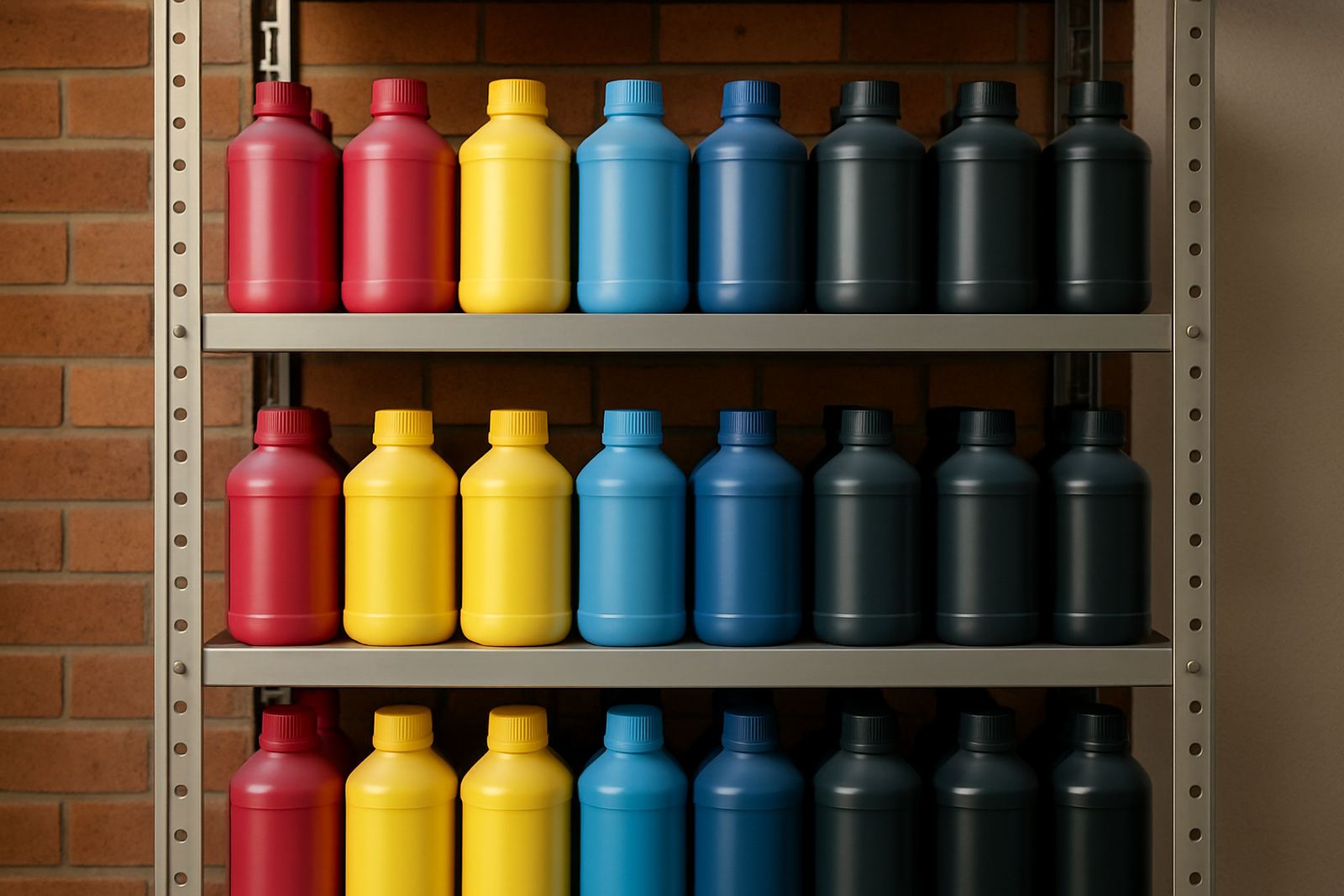
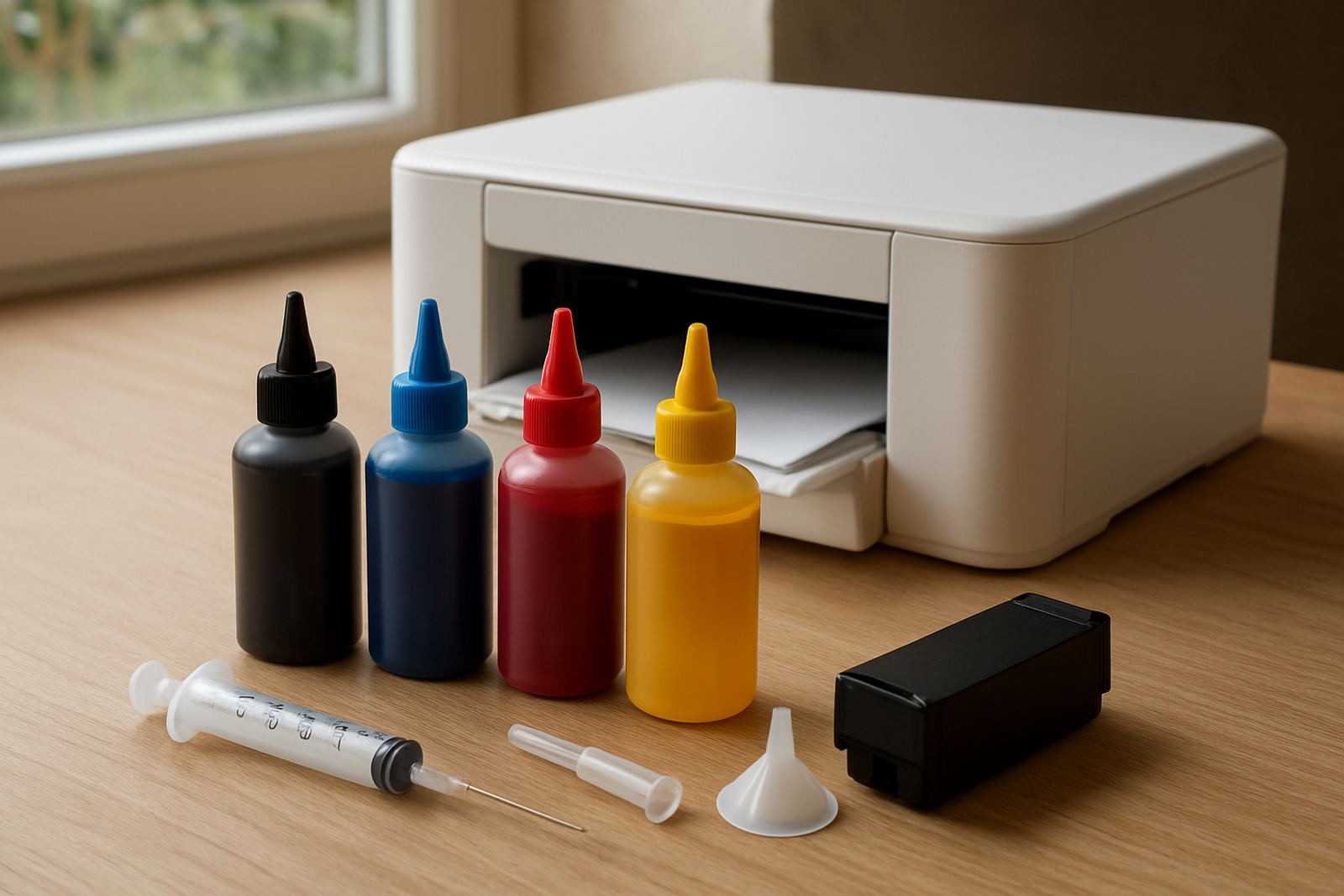
The first rule is simple: do not mix ink types or swap bottles from different batches unless you have tested the change. Even small differences in formulation can show up on shirts, mugs and hard goods once heat is applied. For repeat work, keep one approved set for each printer and lock it to that machine.
If you print for schools, clubs, corporates or retail reorders, record the exact ink batch used on the first run. That gives you a point of reference when a client comes back two weeks later and asks for the same red, the same black or the same skin tone.
- Use the same ink set for a repeat order where possible.
- Label opened bottles with the date opened and the machine used.
- Keep sample swatches from approved jobs for future comparison.
- Do not top up a nearly empty bottle with a different batch unless you have checked the result.
Keep Printer Settings Fixed Between Reorders
Changing the profile, resolution or pass count can shift colour more than many people expect. If a job printed well last month, start with the same settings before making adjustments. This saves time and reduces the risk of chasing colour with every reprint.
On desktop units and wide-format machines, keep a written record of the settings that produced the approved sample. Include paper type, temperature, pressure, print mode and drying time. In Kya Sand and across Johannesburg, print rooms often lose a few notes between operators, so a simple logbook helps a lot.
- Save a preset for every common media type.
- Note the temperature and dwell time used on the heat press.
- Check that the driver settings match the RIP or print software.
- Print a small test strip before running the full order.
Control Heat, Pressure And Timing At The Press
Heat transfer is where a lot of colour shift shows up. Too much heat can make some colours look dull or overcooked, while too little heat can leave the image weak or uneven. Pressure matters too, because inconsistent contact changes how the ink releases from the paper.
Use the same press, same platen, and same timing for repeat work whenever you can. If you are pressing on polyester garments, keep an eye on fabric blends because the result can change from one supplier to the next. A batch from last month might look different if the cloth finish changed and you did not notice.
- Check press temperature with an external thermometer from time to time.
- Allow the press to stabilise before starting production.
- Use even pressure across the full print area.
- Do a one-piece test before a full production run after load-shedding or machine downtime.
Store Inks And Substrates Properly In South African Conditions
Storage is a bigger issue than many shops think, especially in places with heat, humidity and dust. In coastal areas moisture can affect paper and blanks. Inland, direct sunlight and temperature swings can thicken or settle product faster than expected. Keep bottles sealed, upright and away from windows and hot machinery.
Paper, garments and coated blanks should also be stored in clean dry conditions. If material has picked up damp or dust, your colour can change before it ever reaches the press. A clean stock room makes a difference when you are trying to repeat the same result month after month.
- Store inks in a room with steady temperature where possible.
- Keep cartons off the floor and away from floor moisture.
- Use older stock first and rotate batches clearly.
- Do not leave opened paper packs exposed overnight.
Use A Quick Colour Check Before The Full Run
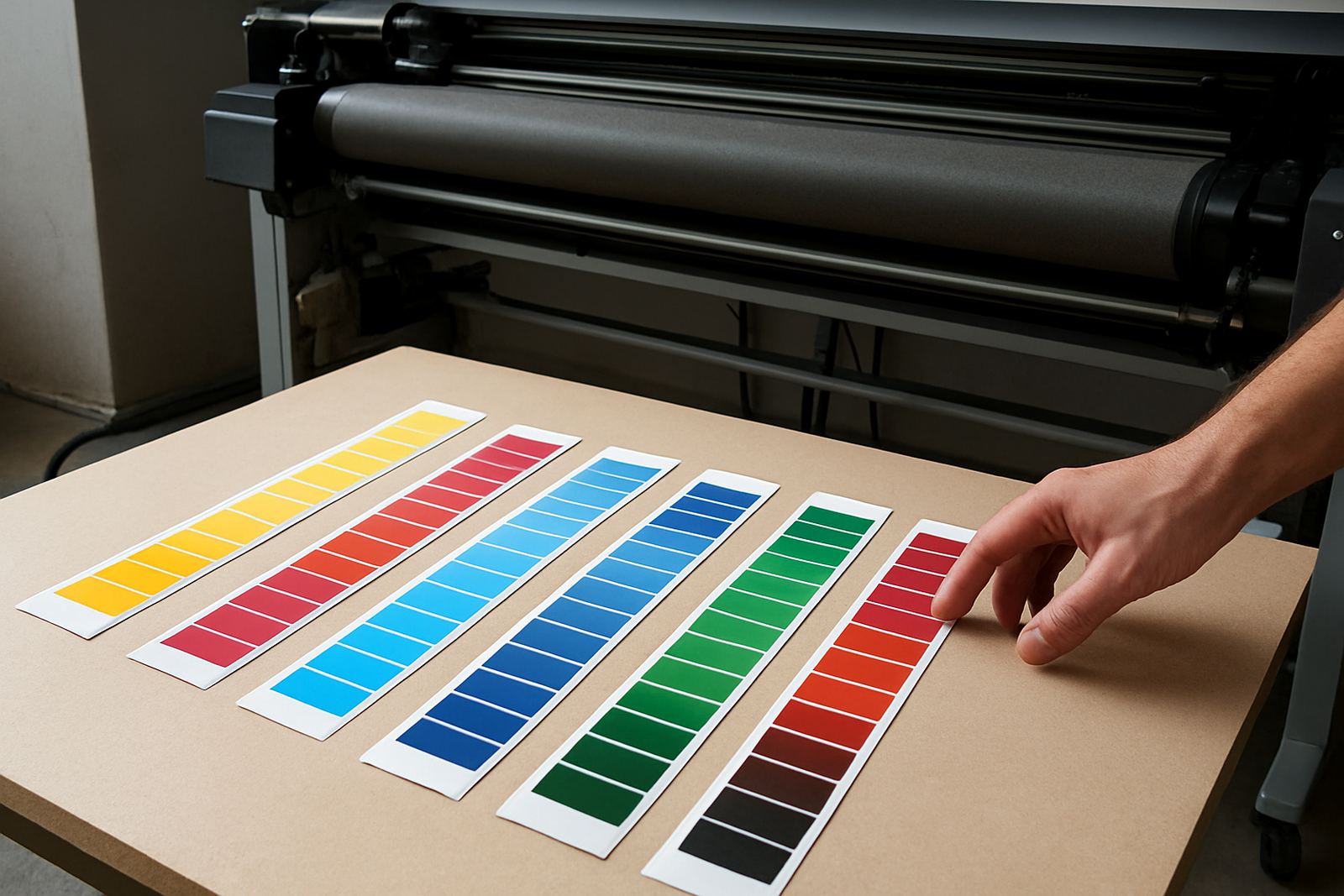
A small proof can save a large reorder. Print a sample strip, press it on the actual substrate and compare it to the approved reference under good light. Daylight is useful, but an office with mixed lighting can hide a shift until the client sees it elsewhere.
Ask the client to approve the sample against the real use case where possible. A garment that looks fine in the workshop may appear lighter in a retail store or under event lighting. If you are printing for a Durban coastal order or a Johannesburg showroom, the viewing conditions can differ quite a bit.
- Keep an approved sample with the job card.
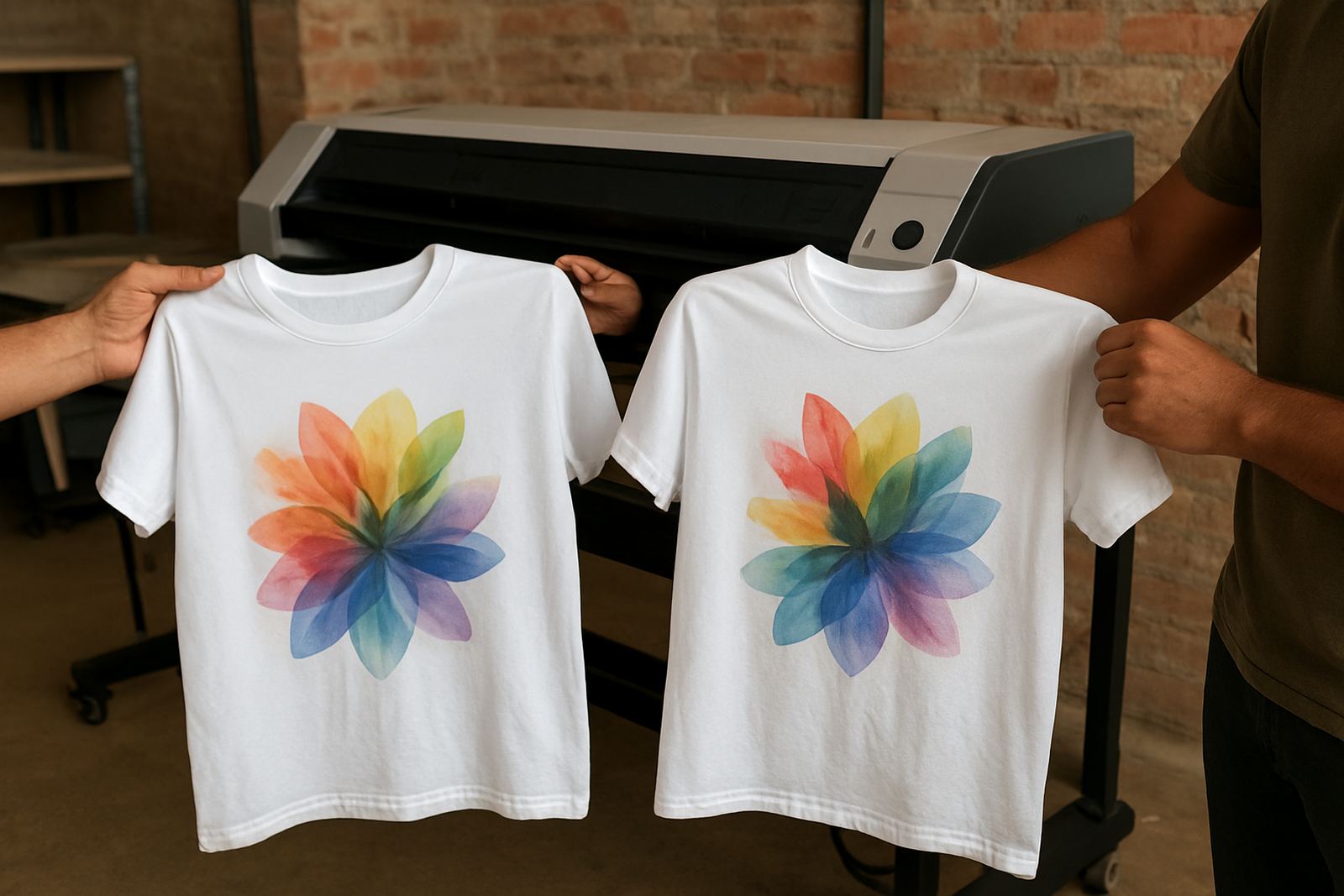
- Compare the new sample against the old one, not just against memory.
- Check under natural light and indoor light if possible.
- Confirm that the base fabric or substrate is the same as the last order.
Build A Repeat Order Checklist For The Team
A simple checklist helps when more than one person handles the job. It keeps the same process in place even during busy weeks, staff leave or courier pressure. At Sublimation Ink in Kya Sand, we often see colour problems come from one small step being missed rather than from the ink itself.
For trade work, keep the checklist near the printer and press. That way the operator can confirm the basics before production starts, not after 200 pieces are already run through. A few seconds of checking can prevent a costly reprint and save stock.
- Confirm ink batch and printer used on the last approved run.
- Confirm paper type, profile and heat press settings.
- Check the substrate is the same colour, coating and supplier grade.
- Print and press one sample before the full order.
- File the sample, job notes and date for the next reorder.