
Start With Your Real Print Numbers
The best way to plan ink is to look at what you actually print in a normal month, not what you hope to print during a busy season. Count the jobs you complete, the average coverage per job, and how many printing days you lose to load-shedding, maintenance, or waiting on stock. If you print from Kya Sand, Randburg, Roodepoort, Midrand, Sandton, Pretoria, or the East Rand, factor in courier lead times as well, because a missed order on Thursday can affect the whole week.
For a simple starting point, list your average weekly output in square metres, garments, or transfer sheets. Then match that against your ink use from the last 4 to 8 weeks. If you have not tracked ink before, start now. Even a basic notebook note or spreadsheet will show patterns after a month.
- How many print days do you work each week?
- What is your average job size in metres or pieces?
- How much ink do you use on slow weeks compared with busy weeks?
- Do you keep stock for one week, two weeks, or a full month?
Convert Production Into Ink Consumption
Once you know your output, estimate ink use per job type. Light garment decoration may use far less ink than full-coverage designs, large panels, or dense photographic prints. Screen printing support work can also vary a lot depending on the transfer method, colour count, and how often you run test sheets. A small run of 20 shirts will not need the same ink plan as a recurring order of 300 branded items for a school, sports club, or corporate client.
Use your own machine behaviour as the guide. Desktop printers and wide-format printers do not consume ink the same way, even when the artwork looks similar. Some printers use more during cleaning cycles, especially if they sit idle over a long weekend or during cold mornings in Johannesburg. That is why it helps to note both print volume and machine maintenance use.
- Record ink use by printer, not just by business
- Separate production prints from test prints and cleanings
- Note high-coverage artwork and full colour jobs
- Allow extra stock for start-up waste and reprints
Choose Pack Sizes That Fit Your Output
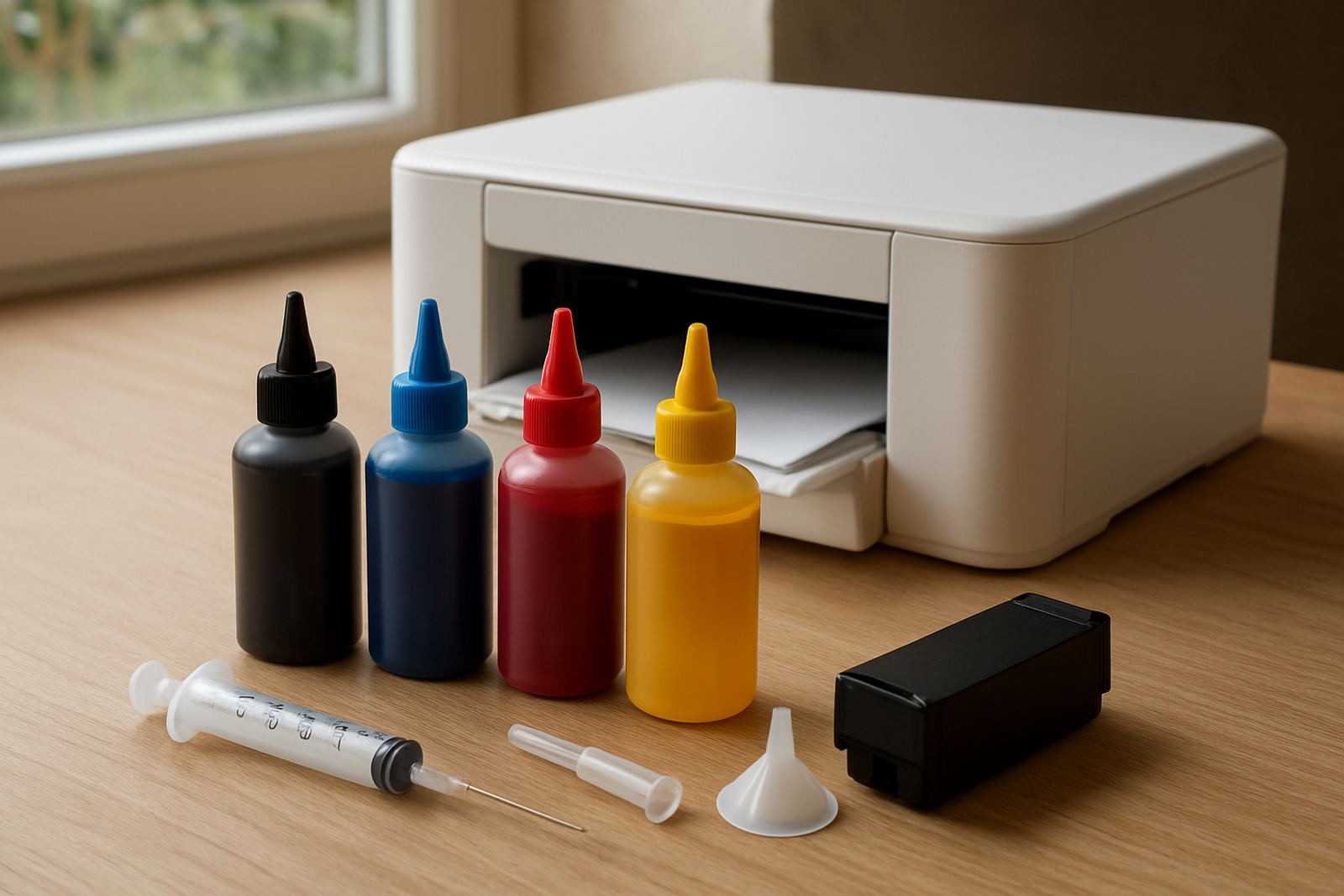
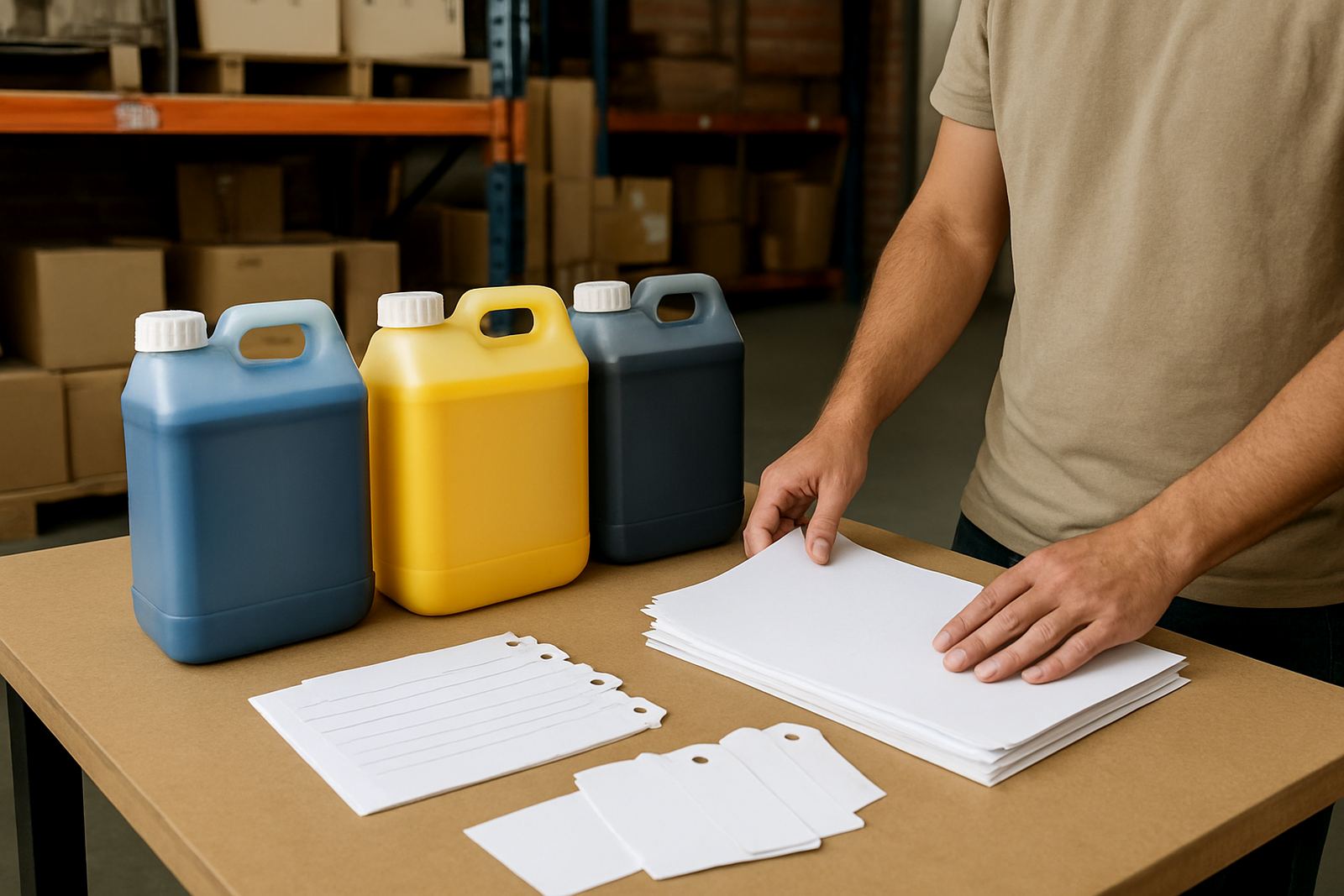
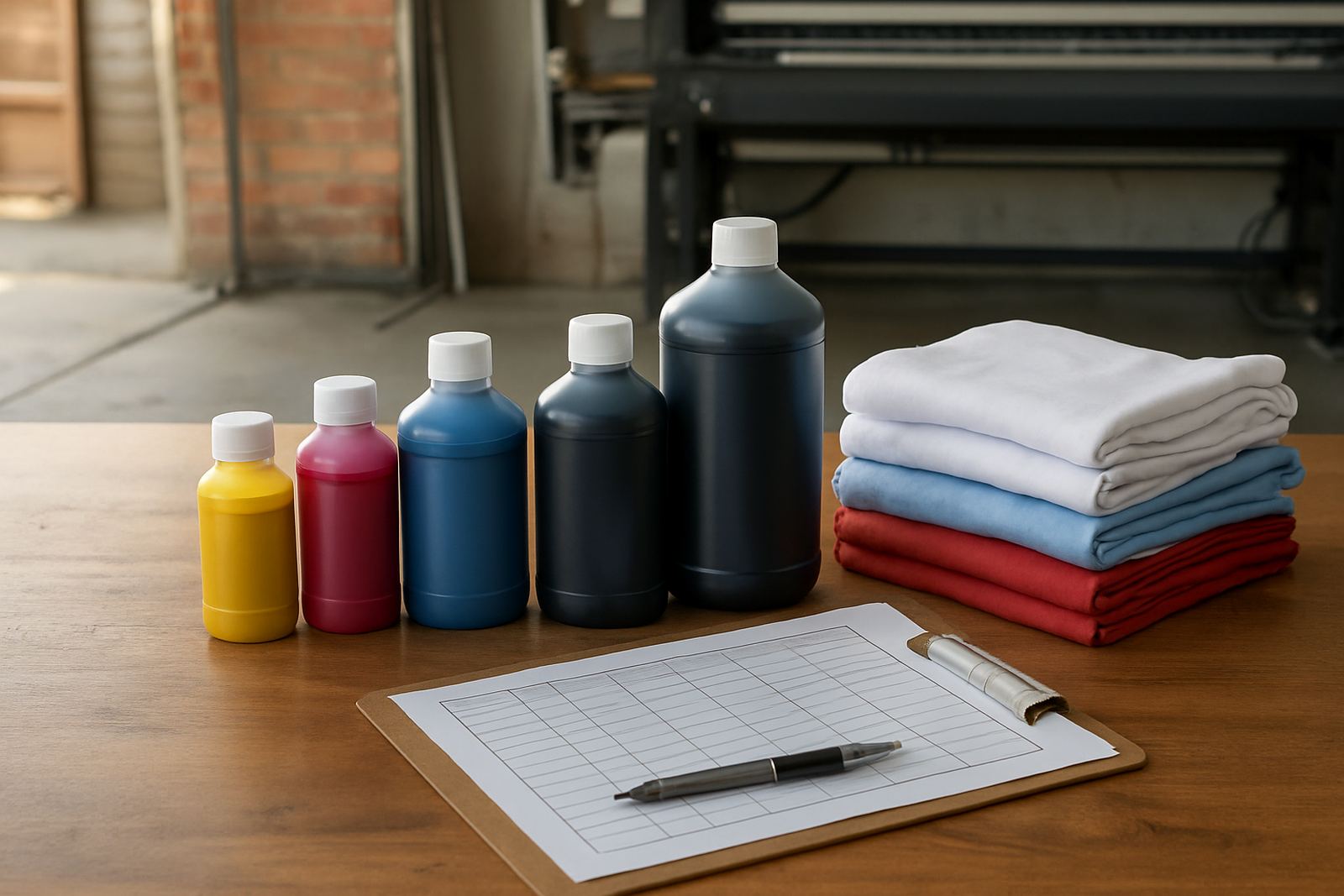
Small pack sizes suit businesses with lower weekly volume, frequent colour changes, or many short-run jobs. Larger packs work better when you have steady production and can use the ink before it sits too long. In South Africa, many print shops choose a mix: smaller packs for less-used colours and larger packs for the colours they run every day. That approach helps with stock planning and reduces the risk of dead stock.
If your shop has repeat business, work out how long each pack lasts. For example, if a pack covers roughly two weeks of normal work, you should reorder before it reaches the last quarter. If a pack lasts only a few days, bulk ordering may save time and courier cost. It also helps you avoid emergency runs when stock is low and the client wants delivery tomorrow.
- Low volume: keep smaller packs and reorder more often
- Medium volume: balance pack size with monthly cash flow
- High volume: buy in bulk and keep safety stock
- Mixed demand: split sizes by colour and printer line
Build A Safety Stock Rule That Works
A good safety stock rule protects you from sudden orders, courier delays, and quiet periods followed by a rush. Many businesses keep at least one to two weeks of normal ink use on hand. If your site is exposed to load-shedding or you shut printers down during power cuts, keep a little more because restart cleaning can use extra ink. Coastal humidity can also affect storage conditions, so close caps properly and keep packs in a dry area away from heat.
Set a reorder point for each colour or pack size. When stock reaches that point, place the order before the supply drops below one week. This is especially useful for trade customers who handle multiple machines or run seasonal work in bursts. Good stock control means your team spends less time checking shelves and more time keeping jobs moving.
- Keep a minimum stock level for every high-use colour
- Set a reorder trigger based on actual weekly use
- Store packs upright and sealed
- Review stock after every busy month
Plan For Busy Months And Seasonal Peaks
Production volume is not the same every month. Back-to-school work, sports events, corporate promotions, year-end gifts, and winter clothing orders can all push demand up fast. If you know your busiest periods, increase your ink cover before the rush starts. Do not wait until the week of the event. Once production spikes, it is harder to do a proper compatibility check, colour troubleshooting, and courier coordination in time.
For businesses in Johannesburg and surrounding areas, next-day courier can help, but only if the order is placed early enough. Large orders are easier to manage when you know the monthly pattern and order before stock gets thin. One practical method is to compare this month with the same month last year, then add a small buffer for growth. That gives you a more realistic buying plan than guessing from last week alone.
- Check last year’s peak months
- Add buffer stock before seasonal demand starts
- Keep sample packs ready for new jobs
- Review courier timing before public holidays
Use A Simple Weekly Checklist Before You Reorder
A short weekly check makes matching production volume much easier. You do not need a complicated system, just a routine that tells you when to top up and which colours need attention. It also helps your team avoid surprises when a client asks for an urgent reprint or a same-day colour match. If one person handles ordering and another handles production, keep the same checklist in both areas so nothing gets missed.
At Sublimation Ink, we work with trade customers who need practical support, from startup print advice to bulk order planning and stock planning. If you are unsure about pack size, the safest approach is to compare your last four weeks of output, then add one extra week of cover for busy periods. That small margin can save you from rushed buying and downtime.
- Check remaining stock on Monday
- Compare it with expected jobs for the week
- Confirm which printer line uses the most ink
- Place reorder before stock drops below the trigger level
- Keep a note of any unusual usage or line cleaning
When your ink plan matches your real output, you get better control over cash flow, fewer interruptions, and more consistent print quality. That matters whether you are running one desktop unit or a busy wide-format setup in a warehouse with multiple machines. Good planning keeps the work moving and the shelves ready for the next order.