
Start With A Small, Controlled Test Batch
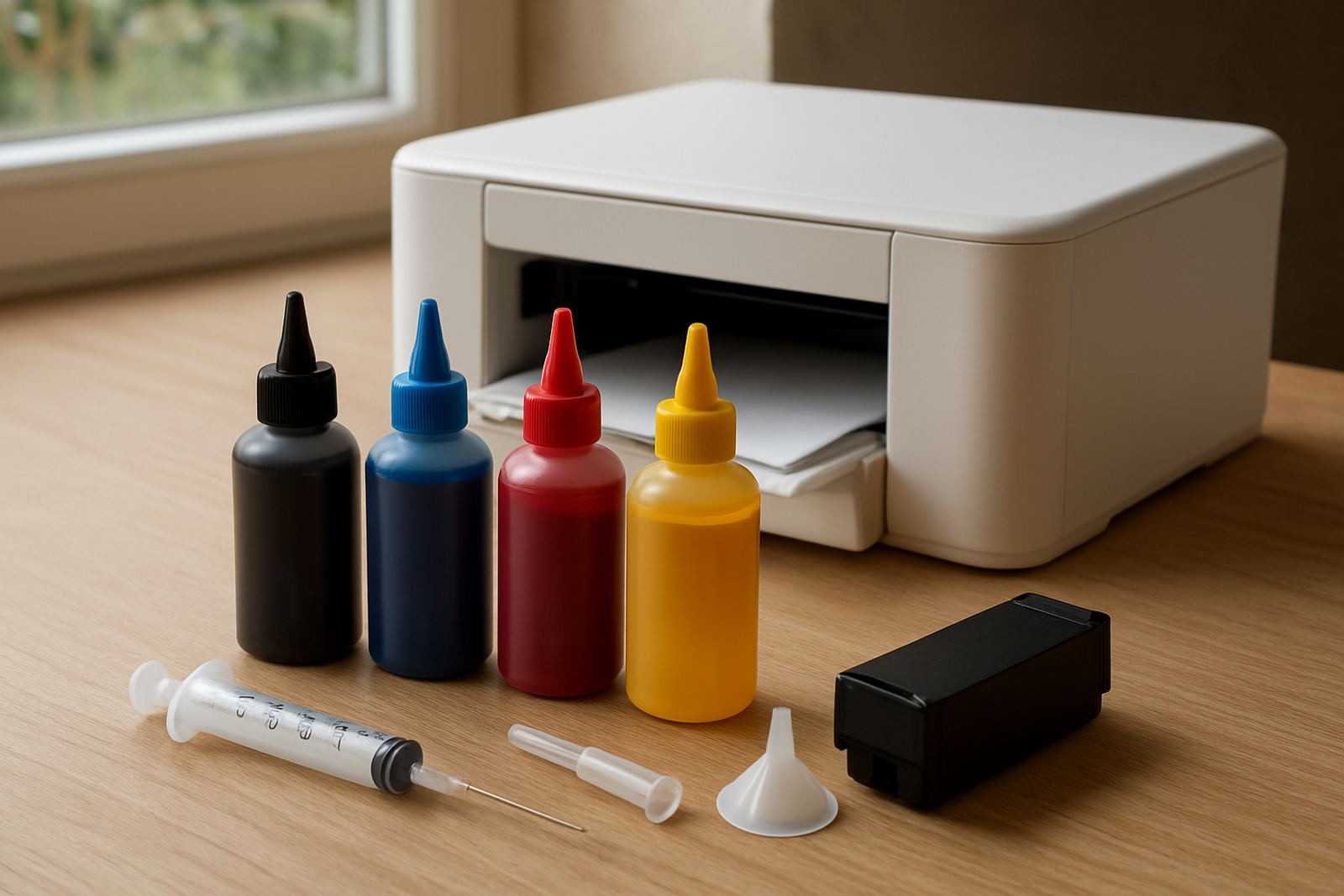
Begin with the same printer, paper and heat press settings you use for normal work. If you are in Kya Sand, Randburg or Midrand, keep the test set aside on a clean surface so dust and paper fibres do not mix into the run. Use a fresh or properly cleaned system and only mix one new ink at a time, otherwise you will not know what caused a change in colour or flow.
Run a small amount first, then check the output before you commit to production. This is especially important for garment decoration and screen printing support work where colour matching matters. If the printer has been idle through load-shedding, prime the lines and do a nozzle check before the first test sheet.
- Check ink type and printer model compatibility
- Confirm paper side and press temperature
- Print a nozzle check and alignment page
- Use one new ink batch only
Compare Colour On The Page And On The Fabric
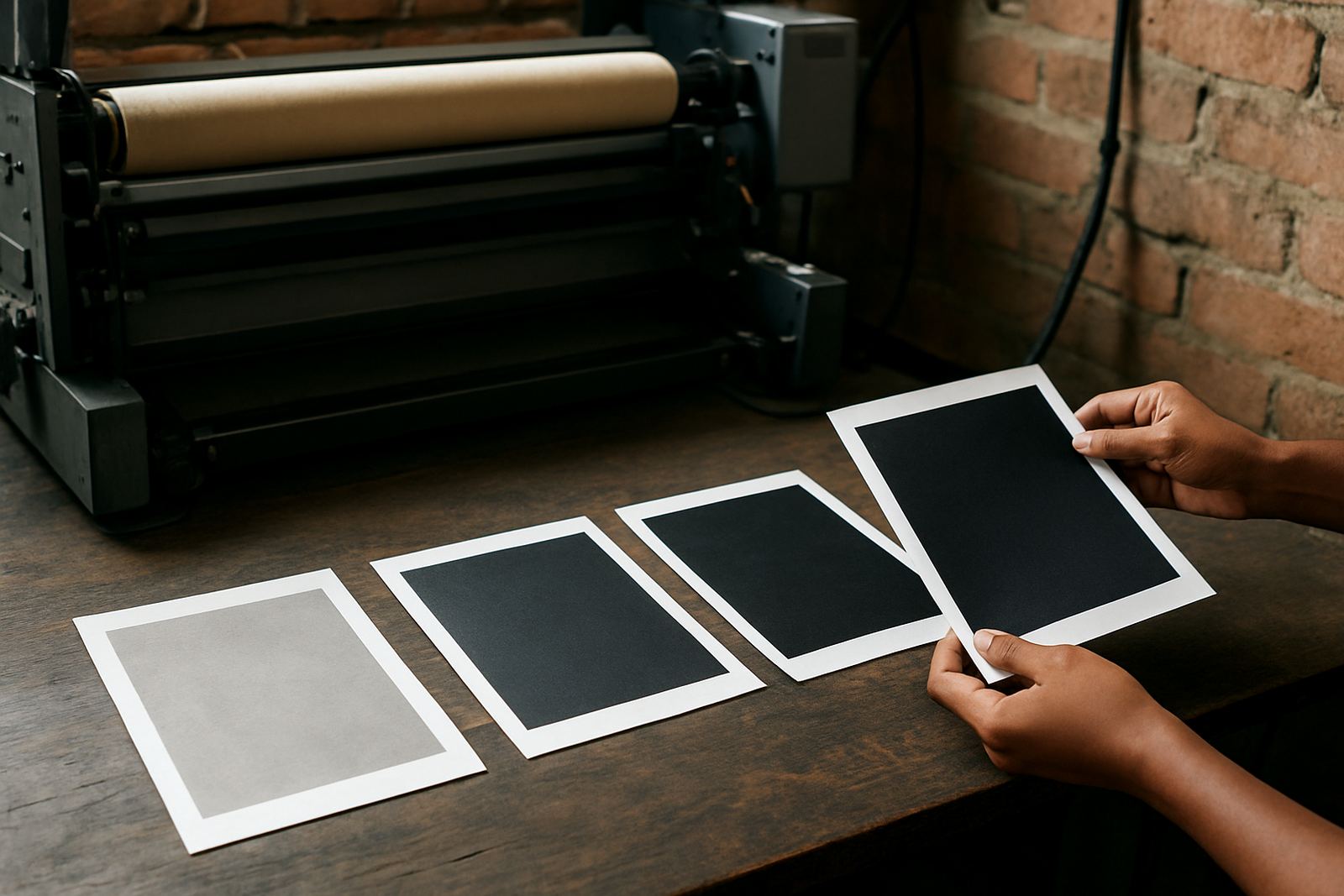
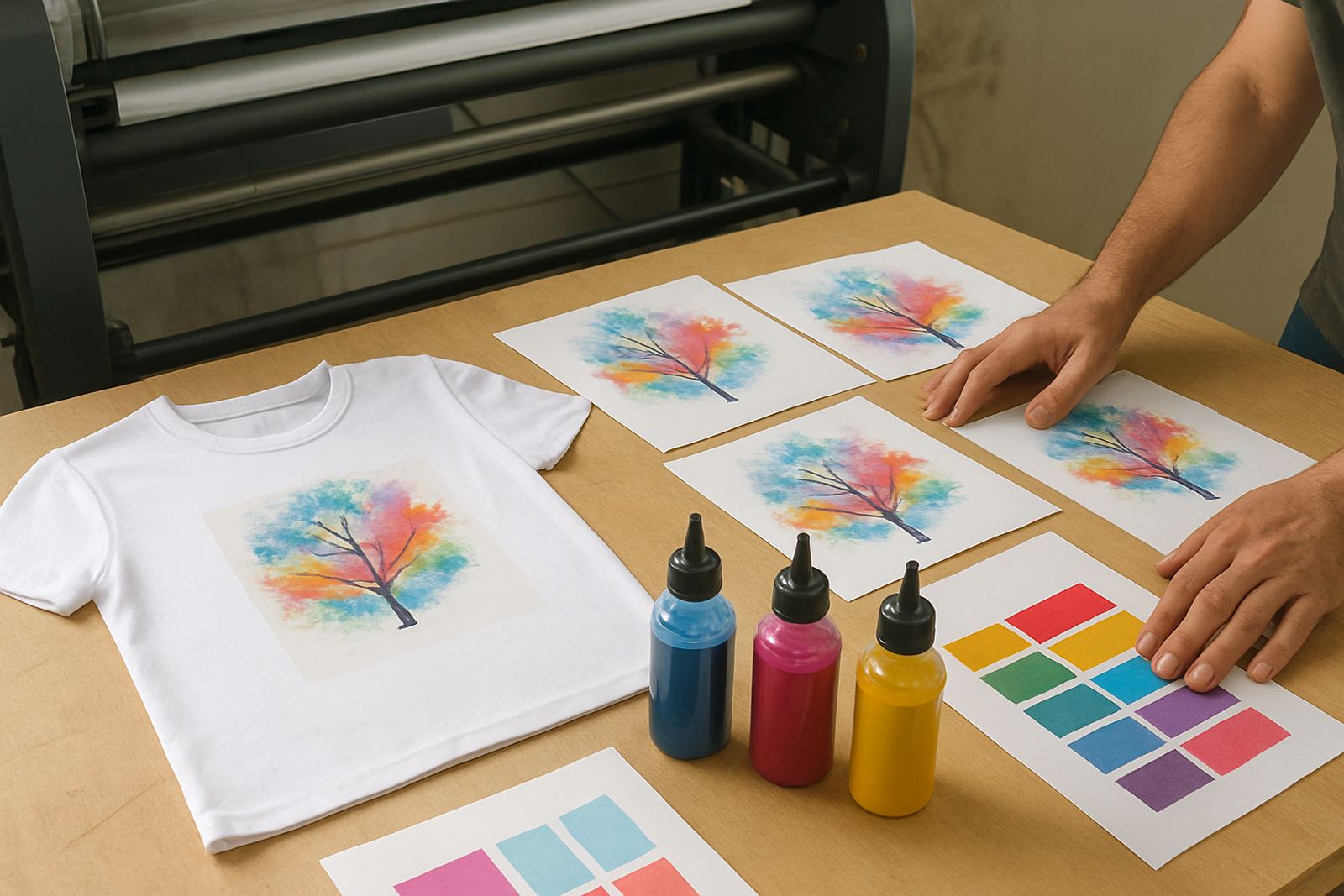
Print a target image with solids, skin tones, dark shadows and fine text. The page may look vivid, but the real test is on the final substrate. Press the sample onto the exact garment or coated item you sell most often. For shops serving Sandton, Pretoria and the East Rand, keep one standard sample sheet on file so you can compare each new batch in the same light.
Look at colour density, blacks, greys and any shift toward blue, red or yellow. A good ink should give a consistent transfer without muddy edges or weak mid-tones. If the result looks off, do not guess. Check the printer profile, temperature, pressure and dwell time before blaming the ink.
- Use the same artwork for every test
- View the print in daylight if possible
- Check both dry print and pressed transfer
- Note any shift in black, red or skin tones
Check Flow, Drying And Nozzle Stability
Before you move to longer runs, see how the ink behaves over 20 to 30 prints. Watch for banding, dropped nozzles, splatter or slow drying. In humid coastal conditions this matters, but even in Johannesburg winter air can affect how a print dries on the paper. If you use a wide-format printer, give the machine enough time to settle after refilling.
Keep an eye on the heads and the waste line. If the ink is too thick or too thin for the setup, the printer may show problems only after a few sheets, not on the first one. That is why a clean start is not enough. You need a short run under normal production pace.
- Watch for banding on solid fills
- Check nozzle pattern after every few sheets
- Note drying time before stacking prints
- Listen for unusual pump or feed behaviour
Test Wash, Rub And Heat Resistance
For garment work, the transfer is not finished until it survives use. Press a sample, let it cool, then rub it dry and lightly damp. If the job is for sportswear, staff shirts or promotional wear, do a simple wash test as well. A reliable ink should hold colour without heavy fading, bleeding or staining around the image edge.
Use your normal press settings for the test, not a special setting that you would never use on a job. If the sample fails, first check whether the issue is in the ink, paper, press time or fabric coating. Keep written notes so the same mistake does not repeat on the next order.
Record The Settings So You Can Repeat The Result
Once you find a good result, write it down immediately. Include printer model, paper type, ink batch, temperature, pressure, dwell time and the garment or substrate used. This helps when a customer in Roodepoort or Pretoria wants the same colour again two weeks later. Without notes, you end up testing from scratch each time.
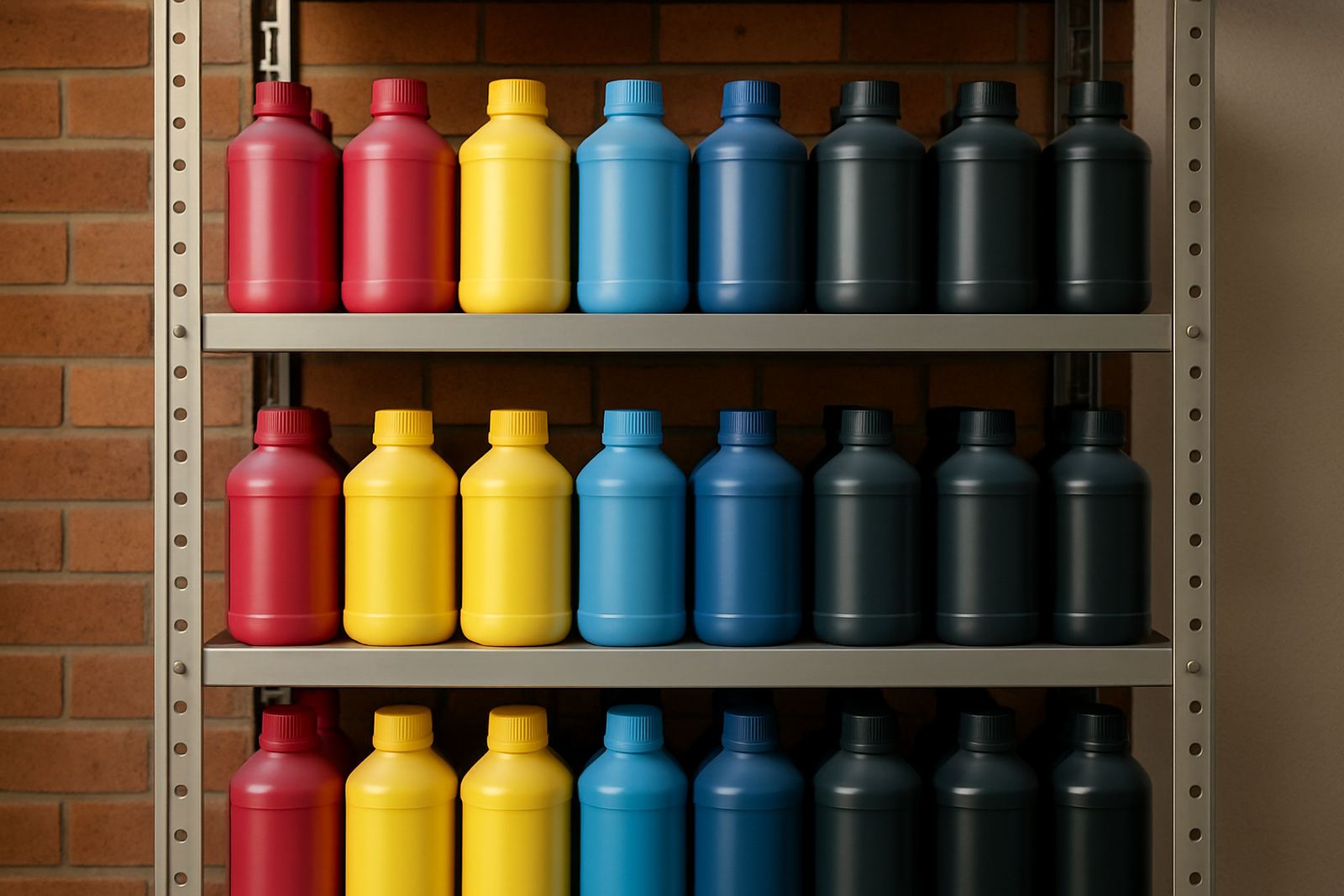
A simple record also helps with stock planning and bulk order support. If the ink performs well on one machine but not another, you will know whether to change the profile or keep it for a different printer line.
- Printer model and head type
- Paper brand and sheet size
- Heat press temperature and time
- Final colour notes and any issues
Know When To Stop And Ask For Help
If the test shows poor flow, dull transfers or repeated nozzle loss, stop before you run more stock through the machine. A small issue can become a costly clean-out if you keep printing. This is where compatibility checks and colour troubleshooting matter. It is quicker to solve the problem on a sample than on 200 shirts.
For trade customers, startups and busy production teams, a steady test routine protects margins and keeps turnaround times under control. If you need help choosing the right ink, planning stock or checking a refill path, use the enquiry form on our contact page and send the printer details, paper type and the result you got from the test.